Top 12 AP Flashcards World History Resources For 2026
Mar 11, 2026
AP World History is massive. You have nine units, centuries of dynasties, complex trade routes, and a ton of key terms to memorize before the exam. Just reading the textbook is not enough. You need to actively recall information, and that is where flashcards come in. But let's be honest, making hundreds of physical cards is a huge time sink. Scrolling through random online decks can also be a mixed bag of quality.
This guide cuts through the noise. We will show you the best AP flashcards world history tools available, from large community platforms to smart, AI-powered apps that can build study sets for you. If your courses are on Canvas, you will find options that can connect directly to your class materials, turning lecture notes and PDFs into flashcards automatically. This saves you the headache of manually creating everything from scratch.
Our goal is to help you find the right platform for your specific study habits and needs. For each resource on this list, we provide a straightforward breakdown of what makes it useful, where it might fall short, and exactly how you can use it to spend less time organizing and more time actually learning the material. Each entry includes screenshots and direct links so you can check them out yourself. Let's get your study plan sorted and find the perfect flashcard solution for you.
1. Vivora
Vivora is an all-in-one study hub for college students, especially if your courses are on Canvas. It’s pretty direct: it takes all your class materials and automatically turns them into study tools. You can upload your teacher's slideshows, chapter PDFs, and even links to review videos on YouTube. Vivora's AI then generates a complete set of ap flashcards world history materials, detailed notes, and practice quizzes based specifically on your class content. This saves a massive amount of time.
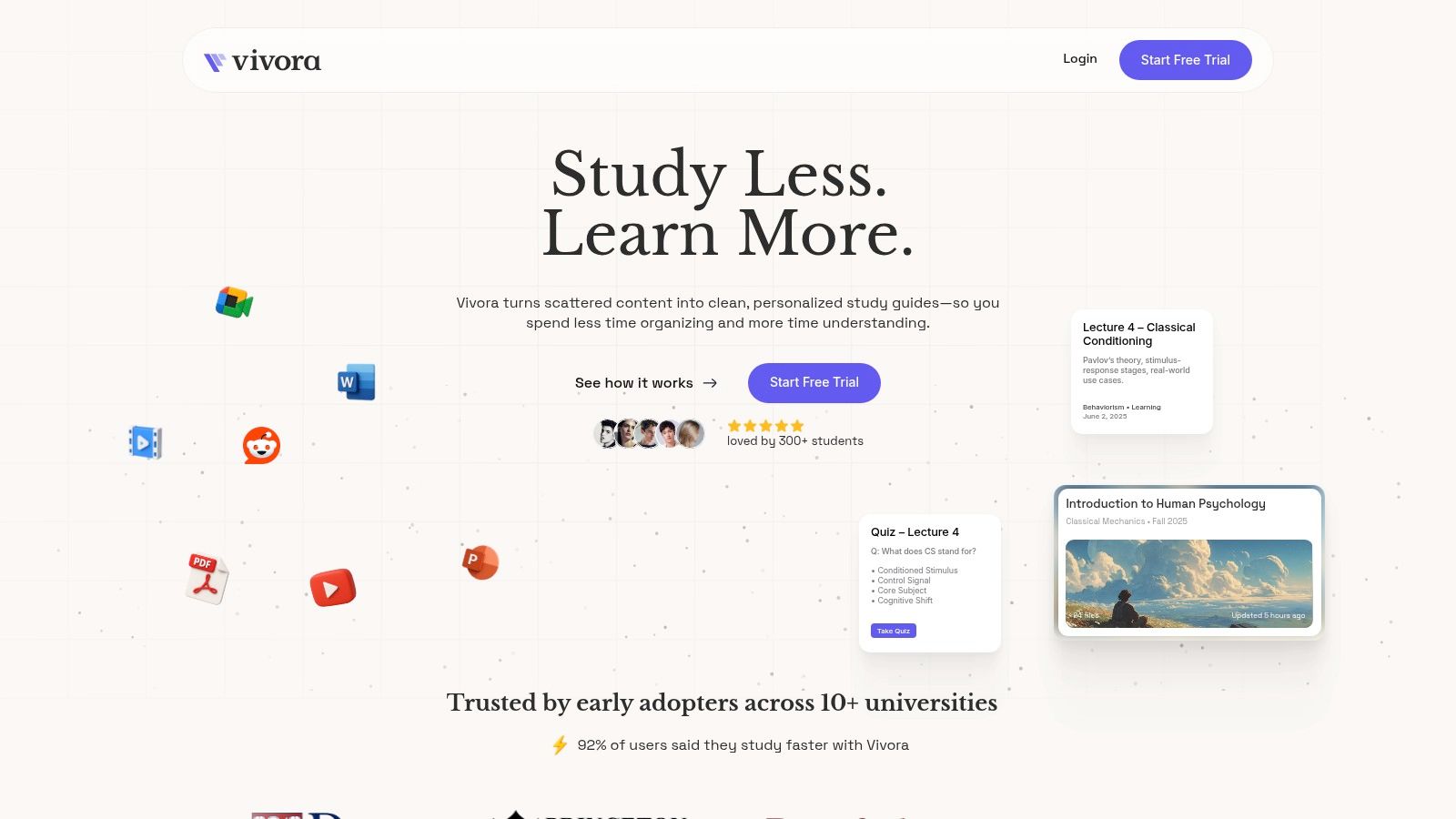
The platform’s key differentiator is its direct Canvas integration. If your school uses it, you can connect your account, and Vivora will automatically pull in your syllabus, lecture notes, and assignments. This means your study materials are always up-to-date without you lifting a finger. The context-aware AI chat is another useful feature; it understands your course content, so you can ask it specific questions like, "Explain the main causes of the Mongol Empire's decline based on my lecture notes," and get a direct answer pulled from your materials.
Why It's a Top Choice for AP World
Vivora is built for your workflow. The ability to centralize text, video, and audio into one dashboard makes it incredibly efficient for managing the dense curriculum of AP World History. Instead of having dozens of tabs and files open, everything you need is in one place.
Key Benefit: The platform's greatest strength is turning passive content (like lecture slides and readings) into active learning tools (like flashcards and quizzes) automatically. This accelerates the path from learning to mastery.
How to Use Vivora Effectively
Connect Your Canvas Account: If your school uses Canvas, this should be your first step. It automates the entire process of gathering your course materials.
Upload Everything: Don't just upload PDFs. Add links to your favorite Crash Course or Heimler's History videos to have the AI generate flashcards and notes from them, too.
Use the AI Chat for Review: Stuck on a specific concept? Use the chat feature to get conversational help and find information buried deep within your notes. For more general advice on creating effective study aids, you can explore their guide on how to make flashcards online.
Feature Analysis | Practical Application for AP World History |
|---|---|
AI Flashcard Generation | Instantly create decks for each unit, from the Silk Roads to the Cold War, based on your class-specific materials. |
Canvas LMS Integration | Automatically syncs your course files, ensuring your study guides are always aligned with your teacher's latest content. |
Multimedia Support | Consolidates knowledge from textbook PDFs, lecture slides, and YouTube review videos into a single, searchable study hub. |
Context-Aware AI Chat | Ask targeted questions about complex topics like syncretism or decolonization and get answers grounded in your course materials. |
Vivora offers a 7-day free trial without requiring a credit card, giving you ample time to upload a course and see if it works for you. While it's a newer platform, early users report they study faster.
Website: https://vivora.ai
2. Quizlet
Quizlet is arguably the most recognized name in digital flashcards, and for good reason. It hosts a massive library of user-generated content, making it an indispensable resource for finding ready-made AP flashcards for World History. Its sheer volume means you can almost certainly find a deck covering the specific unit, time period, or key concept you’re studying, from the Silk Roads to the Cold War. The platform is widely adopted in high schools, so many AP teachers create and share their own high-quality sets directly with their classes.
The user experience is straightforward. You can search for terms like “AP World History Unit 4” and find dozens of options. Beyond the standard flip-and-review format, Quizlet offers several study modes:
Learn: An adaptive mode that quizzes you with multiple-choice and written-response questions, bringing back terms you miss more frequently.
Test: Generates a practice test with a mix of question formats to gauge your mastery before an exam.
Match: A timed game where you drag terms to their corresponding definitions.
While the free version is functional, many of the more advanced features, including the AI-powered “Magic Notes” and offline studying on mobile, require a Quizlet Plus subscription. The quality of community decks can also be inconsistent, so it’s wise to cross-reference a few sets or check them against your textbook to ensure accuracy.
Link: Quizlet
3. Brainscape
Brainscape differentiates itself with a science-backed approach to learning. Its core is a powerful spaced repetition system designed to optimize memory retention. Instead of just flipping cards, you rate your confidence in your answer on a scale of 1 to 5. The platform’s algorithm then determines how frequently to show you that card again, focusing your effort on the concepts you struggle with most. This makes it an excellent tool for drilling the dense vocabulary and chronology required for AP flashcards for World History.
Many of the available AP World History decks are certified, meaning they have been curated by subject-matter experts and are directly aligned with the College Board’s unit structure. This provides a reliable starting point. Beyond its primary study mode, Brainscape offers a few key features:
Confidence-Based Repetition: The adaptive engine is based on your self-assessed confidence, which helps you actively engage with how well you know the material.
Progress Analytics: Visual dashboards track your mastery over time, showing you which units need more attention.
Class Management: Teachers can create classes, share specific decks, and monitor student progress.
While the free version lets you access a lot of content, creating unlimited personal flashcards and studying many of the certified class decks requires a Brainscape Pro subscription. The quality of community-made decks can also vary, so sticking with the certified or teacher-recommended packs is a good strategy. If you want to dive deeper into the science behind this study method, you can learn more about spaced repetition and its benefits.
Link: Brainscape
4. Knowt
Knowt has become a go-to for students seeking a familiar digital flashcard experience without a paywall for core study features. Its main draw is the ability to import existing flashcard decks with a single click, making it a powerful tool if you have already curated sets elsewhere. This means you can find and use high-quality, pre-made AP flashcards for World History and gain access to study modes that other platforms charge for.
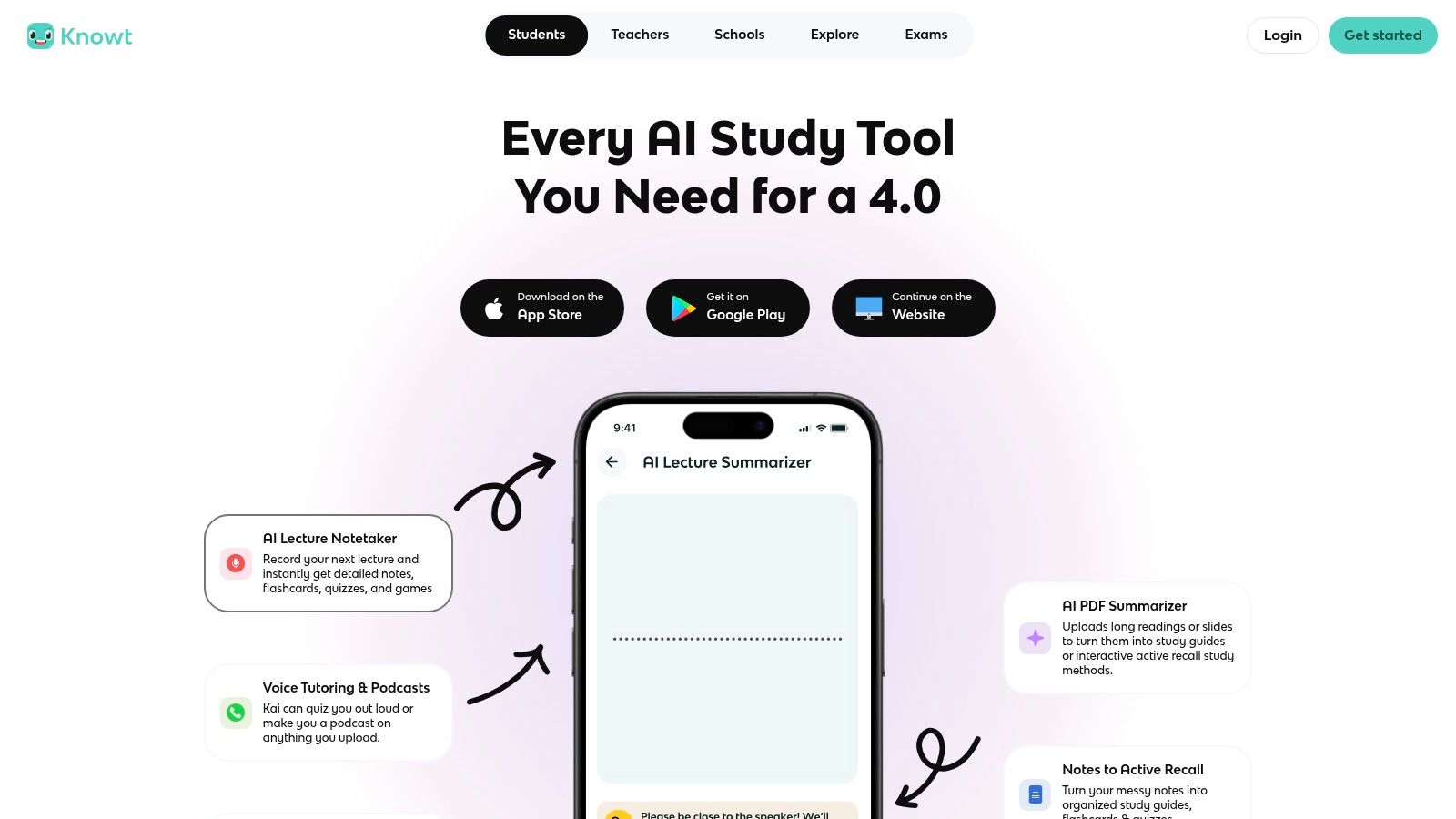
The platform presents a dedicated hub for AP World History: Modern, simplifying your search for relevant content. The interface is clean and provides several ways to engage with the material beyond simple review. Knowt’s study modes are its strongest asset, especially for imported decks:
Learn: A free, adaptive study mode that helps you master terms using varied question formats.
Practice Test: Generates a sample test so you can check your knowledge before an actual exam.
Games: Includes matching and gravity-style games to make memorization more interactive.
The primary benefit is getting access to these effective study modes at no cost, which is a major advantage for students on a budget. However, be aware that the import function, while useful, can sometimes be inconsistent if the source platform changes its code. The spaced repetition system is also more basic compared to apps built exclusively for that purpose, but it remains a solid, free alternative for AP World review.
Link: Knowt
5. Anki
For students serious about long-term retention, Anki is the gold-standard tool. It is an open-source platform built entirely around a powerful spaced repetition system (SRS). Unlike simpler apps, Anki's algorithm precisely schedules when you see a card again, just before you’re about to forget it. This method makes it exceptionally effective for memorizing the immense amount of information required for the AP World History exam. You can find numerous high-quality, pre-made ap flashcards world history decks shared by other students and educators on the AnkiWeb portal.
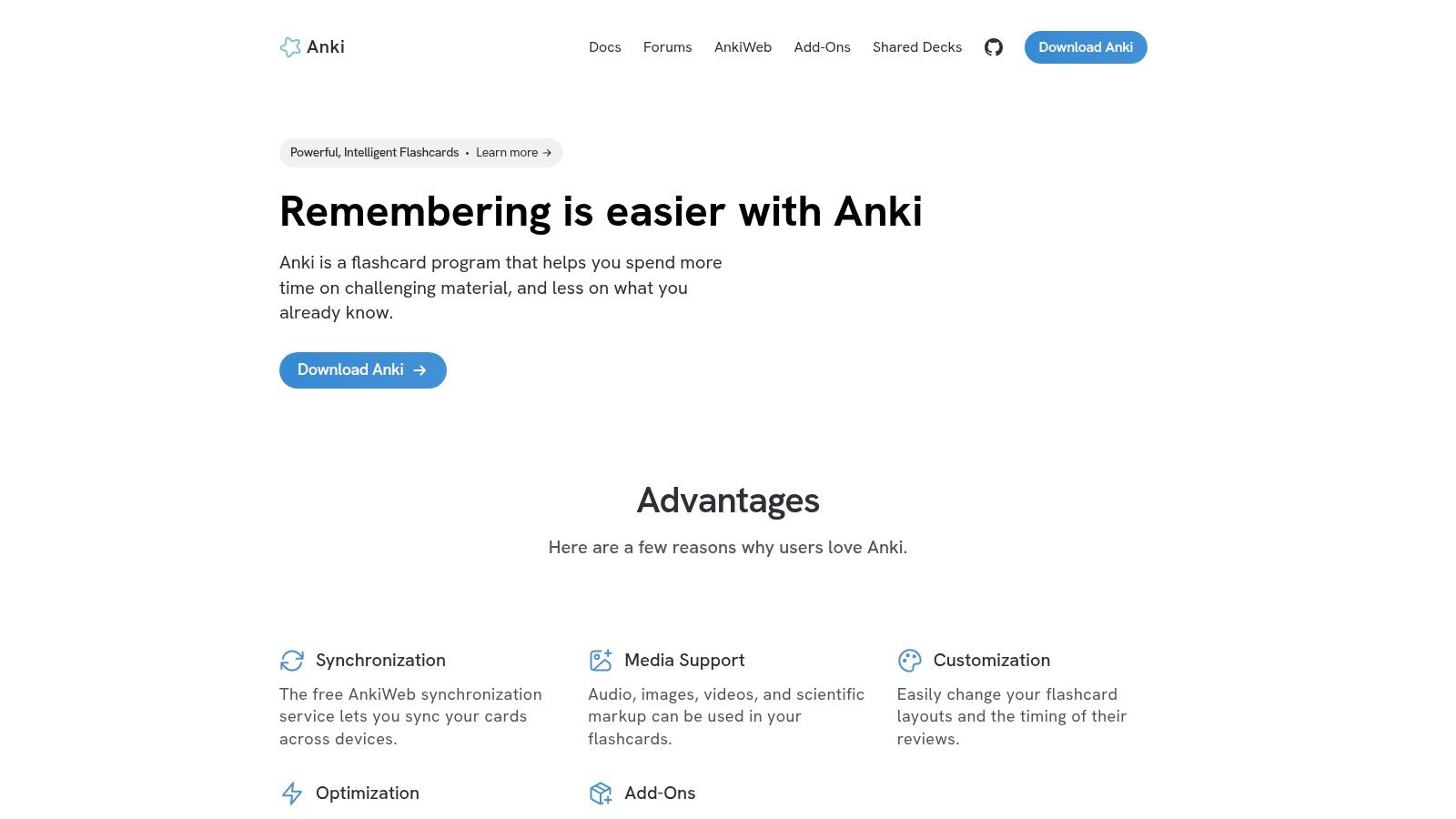
Anki offers deep customization that goes far beyond basic flashcards. The learning curve can be steep compared to other platforms, as you'll need to understand concepts like "note types" and "fields," but the payoff is significant. Its key features include:
True Spaced Repetition: The core of Anki is its algorithm, which optimizes your study sessions for maximum long-term memory.
Total Customization: You can add images, audio clips, and cloze deletions (fill-in-the-blanks), and install community-made add-ons to change its functionality.
Cross-Platform Sync: Your decks and progress sync between the free desktop app (Windows/Mac/Linux), the free AnkiWeb browser version, and mobile apps.
The platform is free on desktop and Android, but the official iOS app, AnkiMobile, requires a one-time purchase. While the interface is less polished than its competitors, its raw power for knowledge retention is unmatched, making it a favorite for dedicated learners who want to ensure information sticks well beyond exam day.
Link: Anki
6. RemNote
RemNote is built for students who want to integrate their note-taking and flashcard creation into a single, powerful workflow. Instead of writing notes in one app and making cards in another, RemNote lets you create AP flashcards for World History directly from the information you're learning. This notes-to-cards process is ideal for a content-heavy course like AP World, allowing you to turn a detailed lecture outline on the Mongol Empire into a study deck with just a few clicks.
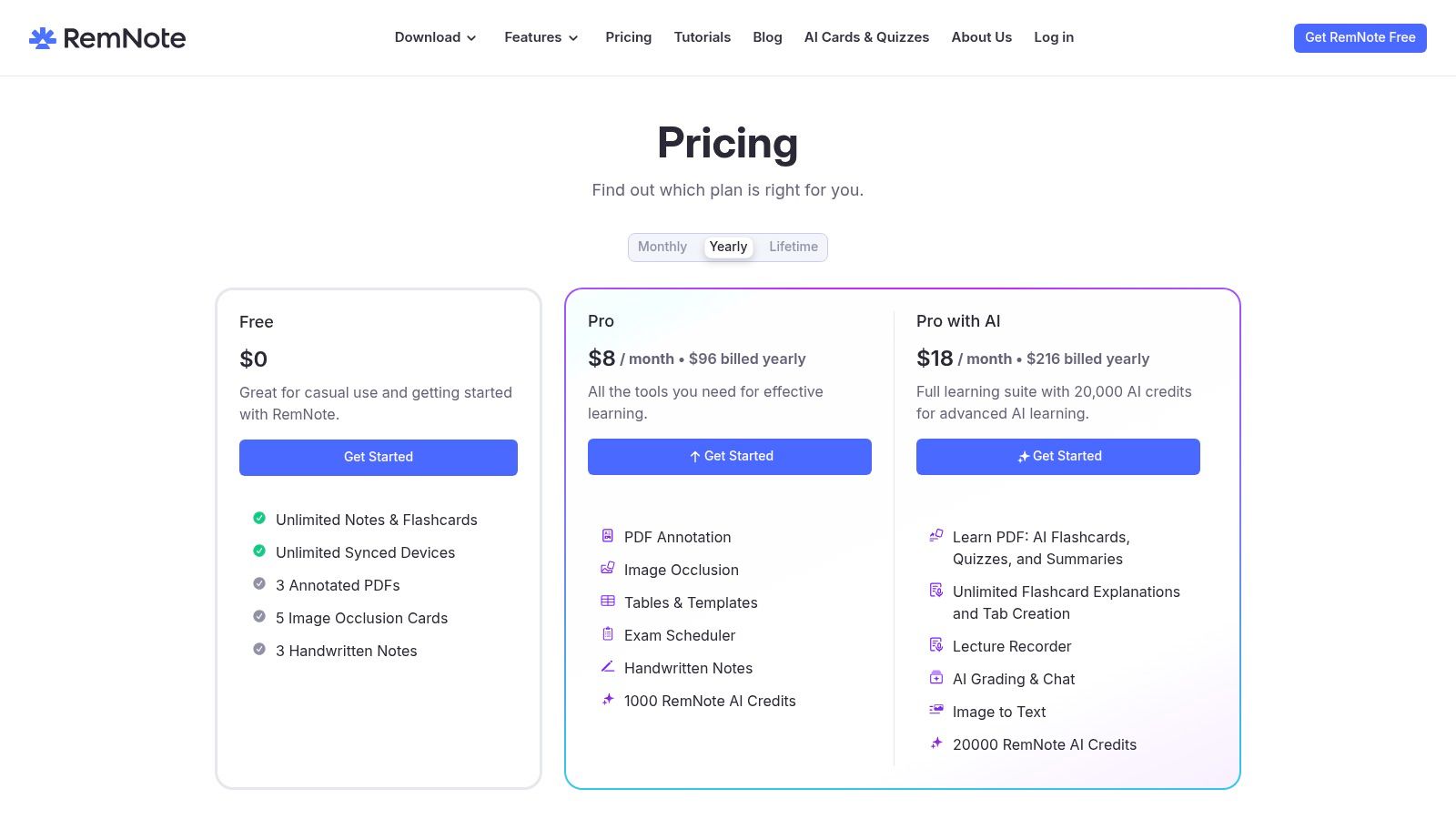
The platform is designed around the idea of a connected "knowledge base" where every concept can be linked. It excels with specific flashcard formats that are very effective for memorization.
Spaced Repetition (SRS): An algorithm automatically schedules which cards you need to review and when, focusing your effort on information you’re about to forget.
Cloze Deletions: You can hide a key term within a sentence (e.g., "The _______ dynasty was China's final imperial dynasty.") to test your recall in context.
Image Occlusion: This feature allows you to upload a map or diagram, cover up labels (like trade routes or city names), and quiz yourself on them. This is part of the Pro plan.
RemNote offers a very capable free version that covers most student needs, including unlimited flashcards and the core SRS feature. The main drawback is that its public library of pre-made decks is smaller than what you'd find on other platforms. You will likely be creating most of your own content, which, while more time-consuming, often leads to better understanding and retention.
Link: RemNote
7. Study.com Flashcards
Study.com offers a structured alternative to the often-chaotic world of user-made decks. Instead of just being a flashcard repository, it provides a complete AP World History: Modern course hub where ap flashcards world history are just one component of a larger study system. This approach is ideal for students who prefer professionally vetted content that is directly aligned with the official College Board curriculum from Unit 1 to Unit 9.
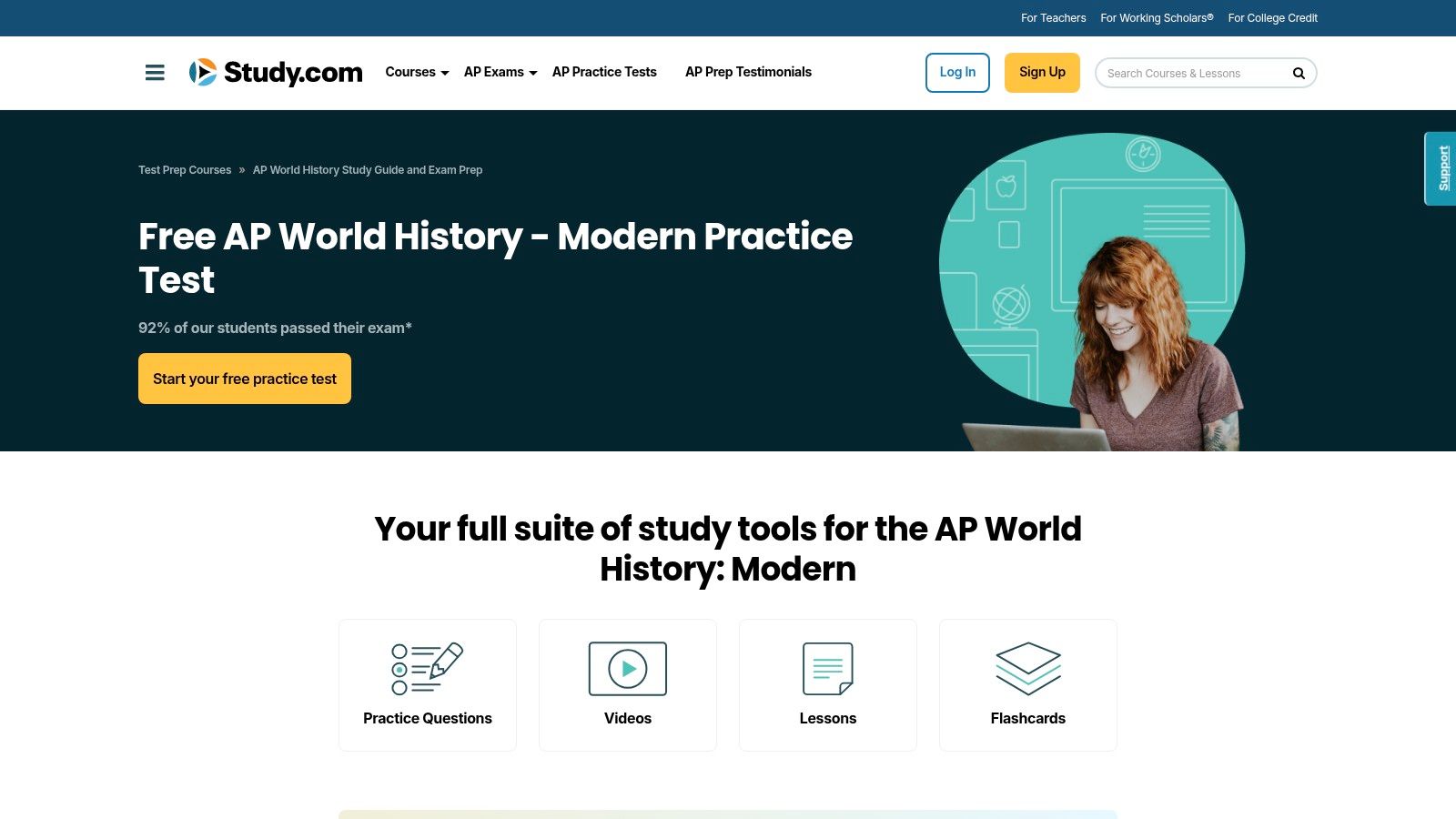
The key benefit is integration. Each topic-specific flashcard set is embedded within its corresponding lesson, which typically includes a short, engaging video and a practice quiz. This lets you learn a concept, review the key terms with flashcards, and then immediately test your knowledge all in one place. This guided sequence ensures you're not just memorizing terms in isolation but understanding them in their proper historical context. The platform’s mobile-friendly design also makes it easy to review on the go.
Here's how its system works:
Course-Aligned Decks: Flashcards are organized by the specific units and topics of the AP World History: Modern curriculum.
Integrated Learning: Each card set is part of a lesson module that also contains video explainers and short quizzes.
Vetted Content: Unlike community-based platforms, all materials are created by subject-matter experts, ensuring accuracy and relevance.
While the organized, expert-created content is a major plus, the downside is that full access requires a paid subscription. The platform is also less focused on community-generated content, so you won’t find the massive variety of niche decks that other sites might offer. However, for a reliable, all-in-one study resource where flashcards support a full curriculum, Study.com is a strong contender.
Link: Study.com AP World History Course
8. Quizizz
While often seen as a live classroom game platform, Quizizz offers a solid flashcard feature that makes it a surprisingly effective tool for solo study. Its main strength lies in its game-like environment, which can make reviewing AP flashcards for World History feel less like a chore. The platform hosts a large public library of quiz sets created by teachers and students, covering everything from the Mongol Empire to decolonization, which can be easily switched into flashcard mode.
The experience is centered around gamification and active recall. When you start a flashcard set, you can review cards one by one and mark them as "Know" or "Don't Know" to focus your efforts. Beyond basic review, Quizizz integrates these sets into other study modes:
Pre-read Mode: Allows you to go through all the material upfront, combining the flashcards with questions to prepare you for a quiz.
Live Quizzes & Assignments: Teachers can turn any flashcard set into a competitive game for the class or assign it as homework, complete with leaderboards.
AI Creation Tools: You can quickly generate new quiz questions and flashcards from documents or prompts, which is useful for creating custom study sets.
Quizizz is primarily designed for classroom use, so some of its more advanced hosting and reporting features are part of paid teacher plans. The flashcard functionality is also more basic compared to dedicated SRS platforms, lacking spaced repetition algorithms for long-term retention. However, for quick, engaging review sessions, especially with friends or classmates, it’s an excellent choice.
Link: Quizizz
9. StudyStack
StudyStack brings a gamified approach to digital flashcards, making it a great option if you need to break the monotony of standard review. While its interface may seem a bit dated compared to other platforms, its strength lies in transforming standard AP flashcards for World History into simple, engaging games. This makes it particularly effective for quick, fun review sessions to reinforce key terms and concepts without feeling like a chore.
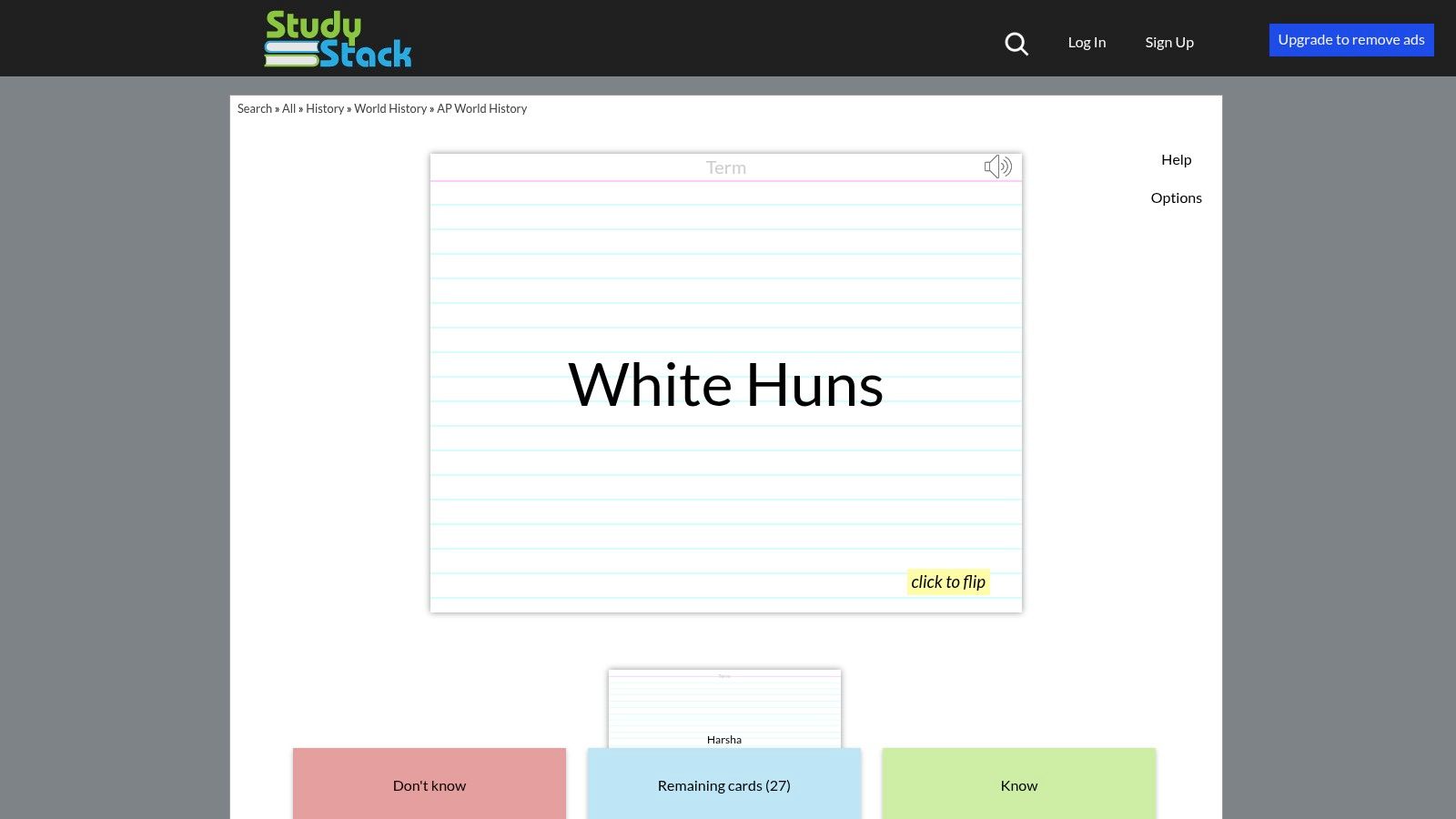
You can search for publicly available decks by unit or topic, but the platform truly shines with its variety of study activities. Beyond the basic flashcard format, you can instantly turn any deck into a different game or quiz.
Matching: A classic game where you pair terms with their definitions against the clock.
Crossword: Automatically generates a crossword puzzle using the terms and clues from the flashcard set.
Hungry Bug: A simple game where you guide a bug to eat the correct answer, helping with quick recall.
Quiz: Creates a multiple-choice quiz from the card set to test your knowledge more formally.
The best part is that StudyStack is completely free to use for both creating and studying public decks. The platform is ad-supported, which can be a minor distraction. Like any user-generated content site, the quality and completeness of decks vary, so it is a good idea to quickly vet a stack against your class notes to confirm its accuracy before diving in.
Link: StudyStack
10. Cram
Cram is a long-standing player in the digital flashcard space, offering a no-frills, straightforward approach to studying. It houses a large archive of user-generated content, making it a solid place to find pre-made ap flashcards for world history that have been in circulation for years. If you're looking for a quick and simple way to access term banks on major AP World units without needing complex features, Cram’s library is worth a search. The platform is free and provides fast access to its content.
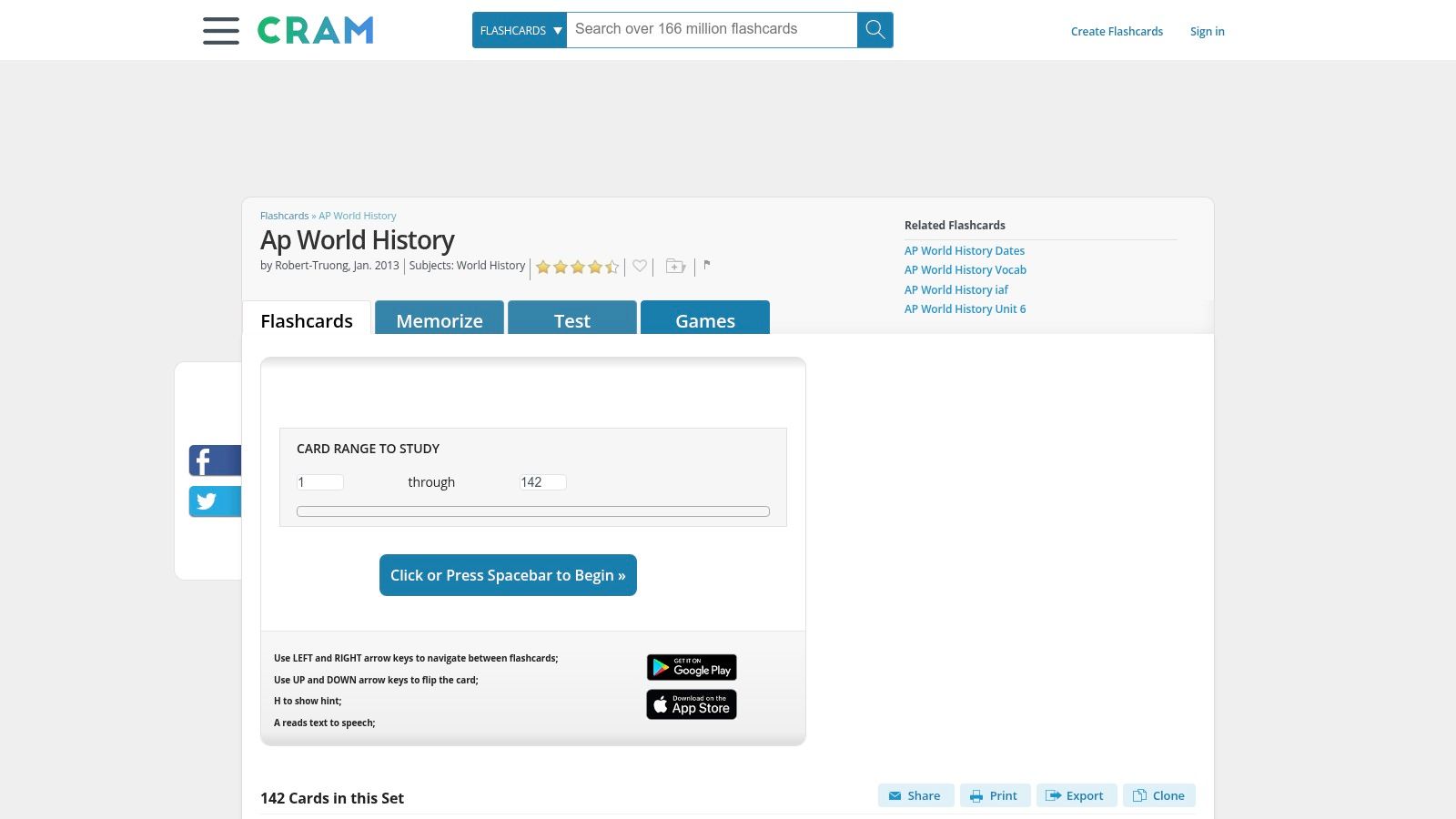
The interface is simple, allowing you to create your own cards or dive right into studying with a few core modes. Its most distinctive feature is its namesake mode, designed for intensive review sessions.
Memorize: A standard mode where you review each card and mark whether you know it or not.
Test: Creates a practice test with multiple-choice, true/false, written, and matching questions based on the deck.
Cram: This mode uses a spaced repetition system (similar to the Leitner method), presenting cards you struggle with more frequently to help you master them efficiently.
Games: Includes a simple matching game to break up traditional study routines.
While Cram is completely free to use for creating and studying cards, its interface feels dated compared to more modern tools. The search and filtering options are basic, and it lacks the detailed analytics or AI-driven study assistance found on newer platforms. However, its “Cram” mode offers a structured review method that remains effective for last-minute prep.
Link: Cram
11. ProProfs Flashcards
ProProfs Flashcards is a straightforward online tool that shines when you want to build your own study materials from scratch. While it has a public library, its primary strength is in creation and customization. If you prefer to make your own AP flashcards for World History based on your class notes or textbook chapters, ProProfs provides a clean and fast authoring experience. This approach ensures the content is perfectly aligned with what your teacher emphasizes, from specific vocabulary on the Mongol Empire to key events of decolonization.
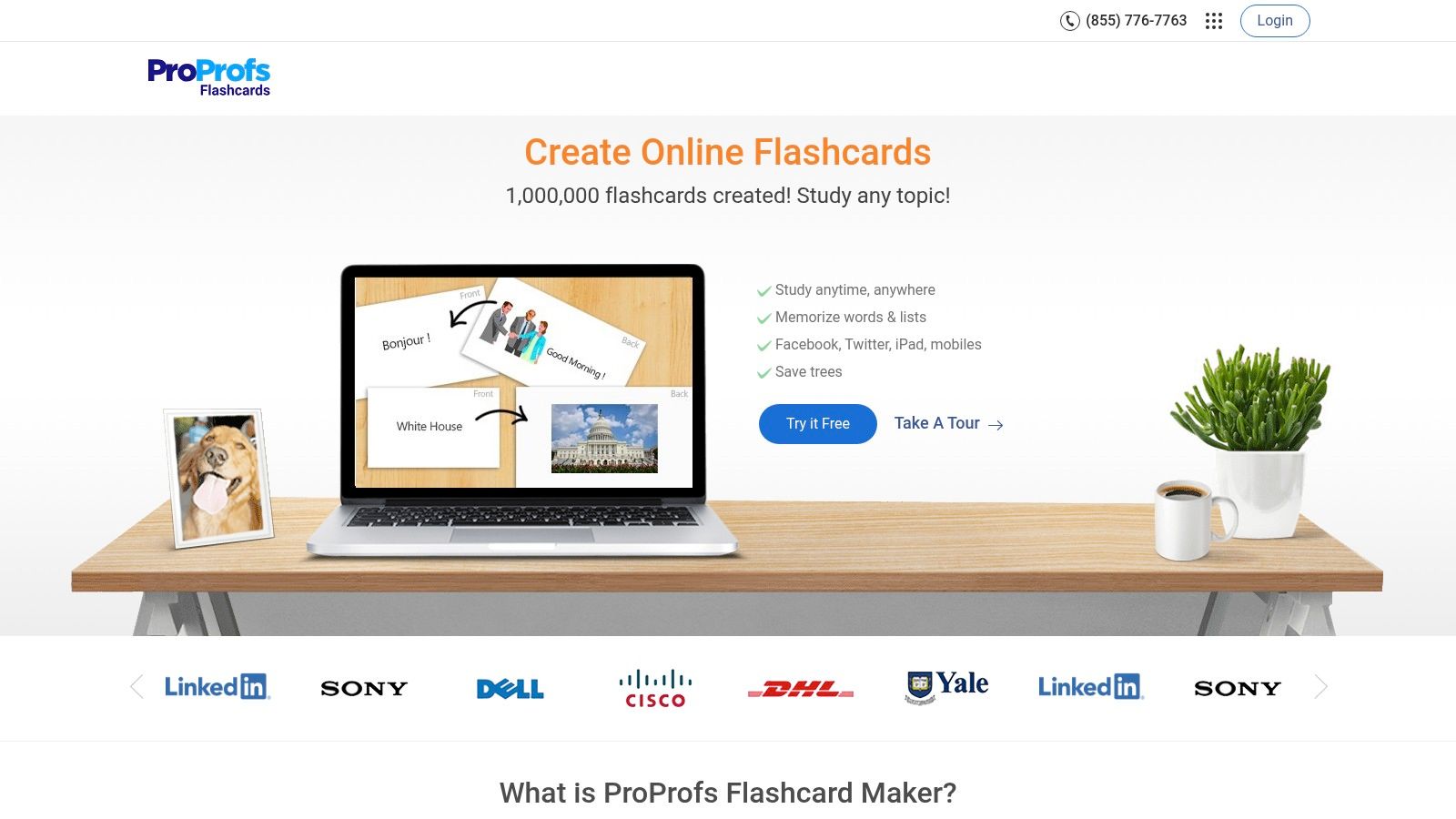
The platform is less of a student community and more of a personal study kit builder. Its standout feature is the ability to instantly convert any flashcard deck you create into a practice quiz. This lets you move from memorization to active recall seamlessly.
Quiz Conversion: With one click, your flashcard set becomes a multiple-choice or fill-in-the-blank quiz, giving you a new way to test your knowledge.
Easy Sharing: You can share your decks via a link or even embed them on a personal blog or study group website.
Public Library: Although smaller than other sites, the public library can be a good starting point if you find a deck that matches your needs.
The interface is simple, but it feels more geared toward content creators or teachers than students just looking for a quick study session. Many of the advanced analytics and features are part of the broader ProProfs suite of tools, which often requires a paid subscription. For a free, no-frills tool to create, share, and self-test with your own material, it’s a solid choice.
Link: ProProfs Flashcards
12. Varsity Tutors (AP World History Flashcards)
Varsity Tutors offers a solid collection of free, professionally curated ap flashcards world history resources that are perfect for quick, targeted review sessions. Unlike platforms that rely on user-generated content, these flashcard sets are created by subject matter experts and are neatly organized by the official AP World History: Modern topics and time periods. This makes it easy to find and drill specific concepts you're struggling with, such as the Land-Based Empires of Unit 3 or the economic developments in Unit 6.
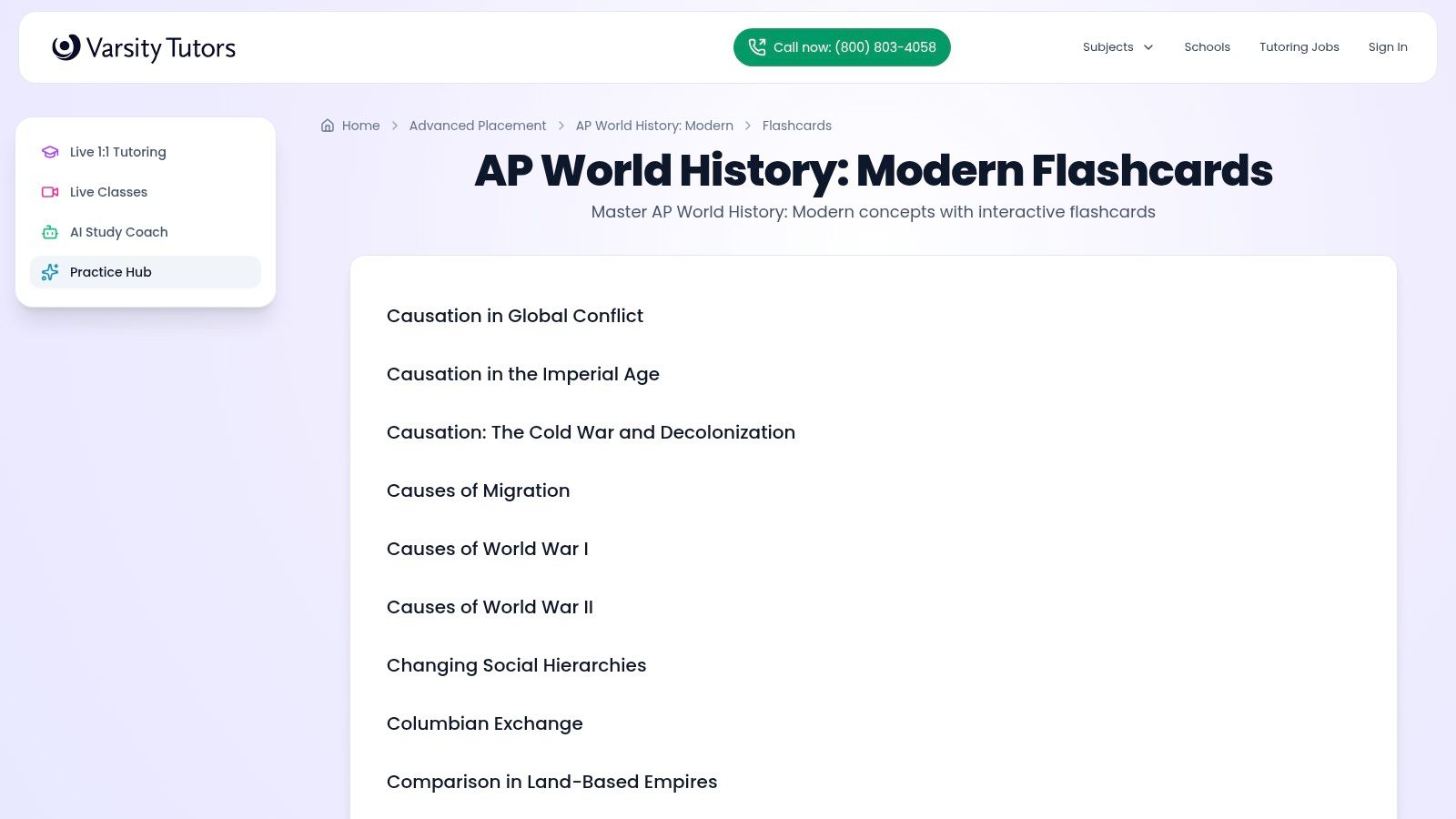
The platform is direct and accessible. There is no account sign-up or paywall required to access the flashcards, allowing you to jump straight into studying. The interface is clean and functional on both web and mobile, making it a reliable option for on-the-go practice. While the flashcards are the main attraction, they are part of a broader ecosystem that includes practice tests and diagnostic tools. This integration can help you identify weak areas and then use the corresponding flashcard sets to reinforce your knowledge. For more general advice on structuring your study time, you can find helpful strategies on how to study for AP exams.
The primary limitation is the lack of customization. You cannot edit the decks or create your own, and the platform doesn't have a sophisticated spaced repetition system. This makes it less ideal for long-term memorization but excellent for immediate, topic-specific drills before a quiz or unit test. Think of it as a high-quality, digital version of the pre-made flashcard packs you’d buy at a bookstore.
Link: Varsity Tutors
Top 12 AP World History Flashcard Resources Comparison
Product | Key features | Ease & effectiveness (★) | Price & value (💰) | Best for (👥) | Unique selling point (✨) |
|---|---|---|---|---|---|
🏆 Vivora | Canvas auto‑sync, upload PDFs/videos/links, AI notes/flashcards/quizzes, context‑aware chat | ★★★★☆ — fast org & contextual help | 💰 7‑day free trial; subscription after trial | 👥 College students, LMS users, exam prep | ✨ Full‑course sync + multimedia + context‑aware AI |
Quizlet | Massive public decks, Flashcards/Learn/Test, mobile apps, AI modes | ★★★★☆ — familiar, huge library | 💰 Free basic; Premium for full features | 👥 HS & college students needing ready‑made decks | ✨ Largest community library & polished mobile UX |
Brainscape | Adaptive SRS, curated AP decks, analytics, class sharing | ★★★★ — strong SRS & analytics | 💰 Freemium; Pro for full packs | 👥 Students seeking structured spaced repetition | ✨ Confidence‑based repetition engine |
Knowt | Import from Quizlet, Learn/Test, web + extension, games | ★★★☆ — quick imports, basic SRS | 💰 Mostly free; depends on imported sets | 👥 Students migrating from Quizlet; budget users | ✨ One‑click Quizlet migration & free study modes |
Anki | True SRS scheduling, desktop/Android free, add‑ons, large deck ecosystem | ★★★★★ — best for long‑term retention | 💰 Free desktop/Android; one‑time iOS fee | 👥 Serious learners & long‑term memorization | ✨ Highly customizable SRS with add‑ons |
RemNote | Notes→cards workflow, built‑in SRS, cloze & image occlusion | ★★★★ — powerful notes + SRS integration | 💰 Generous free tier; Pro for advanced tools | 👥 Concept‑heavy course students & note takers | ✨ Seamless notes‑to‑flashcards pipeline |
Study.com Flashcards | Course‑aligned flashcards, short lesson videos, practice questions | ★★★☆ — vetted sequence, polished content | 💰 Paid membership usually required | 👥 Students wanting curriculum‑aligned study | ✨ Flashcards embedded in full lesson sequences |
Quizizz | Flashcards + Pre‑read, assignments, public library, AI item gen | ★★★☆ — engaging for groups & class use | 💰 Freemium; some teacher features paid | 👥 Teachers & collaborative study groups | ✨ Classroom assignments + gameified modes |
StudyStack | Flashcards + multiple game modes (Matching, Crossword), saved progress | ★★★☆ — fun, game‑based review | 💰 Free; ad‑supported | 👥 Casual learners who prefer gamified practice | ✨ Variety of game modes for review variety |
Cram | Large user archive, Memorize/Test/Games, 'Cram' (Leitner) rounds | ★★★☆ — quick access, basic tools | 💰 Free to create and study | 👥 Students needing fast cram sessions | ✨ 'Cram' mode for intensive, timed rounds |
ProProfs Flashcards | Create/share flashcards, convert to quizzes, embedable sets | ★★★☆ — authoring focused, flexible sharing | 💰 Free basic; advanced tools in paid plan | 👥 Educators & content creators | ✨ Easy embed + convert cards into quizzes |
Varsity Tutors | Curated APWH flashcards by topic, mobile friendly, tutoring links | ★★★☆ — vetted & ready‑to‑use | 💰 Free flashcards; paid tutoring options | 👥 Students needing targeted drills without building decks | ✨ No‑signup curated topic sets with tutoring tie‑ins |
Your Next Move: How to Choose the Right Tool for You
You have seen a dozen different ways to approach your AP World History review, from sleek apps to old-school, powerful systems. The sheer volume of options can feel like another topic you have to study. But choosing the right tool doesn’t have to be complicated. The best system for creating ap flashcards world history is the one that removes friction from your study process, not the one with the longest feature list.
Your decision should start with a simple question: Where does my course material live, and how much time do I want to spend organizing it? An honest assessment of your current study habits and pain points will guide you to the perfect fit. Don't just pick a tool because it's popular; choose the one that aligns with your specific needs, learning style, and daily routine.
For the Student Drowning in Course Materials
If your AP World History class runs on Canvas, you know the struggle. You have PDFs, lecture slides, audio recordings, and links to YouTube videos scattered across different modules. The thought of manually converting all that information into flashcards is exhausting.
This is where a tool built for integration shines. If your main goal is to automate the tedious work of content aggregation and card creation, you should prioritize a platform like Vivora. Its ability to connect directly to your Canvas course and automatically generate study materials from your actual class content is a significant time-saver. You spend less time copying and pasting and more time actively recalling information. The goal is to get to the "studying" part faster, and this approach does exactly that.
For the Spaced Repetition Purist
Do you want absolute, granular control over your review schedule? If you're someone who finds deep satisfaction in customizing algorithms and building a study system from the ground up, then a tool like Anki is your ideal match. It is the gold standard for serious spaced repetition system (SRS) users.
However, this power comes with a trade-off. Be prepared for a steeper learning curve and a less intuitive user interface. You will be responsible for sourcing or creating all your decks. This path is best for the highly disciplined student who is willing to invest time upfront to build a personalized, long-term knowledge retention system. For many, mastering Anki becomes a skill in itself, one that pays dividends far beyond a single AP exam.
For the "Plug-and-Play" Learner
Maybe you don't want to build anything. You just want access to a massive library of pre-made ap flashcards world history decks created by other students and educators. If convenience and a vast community are your top priorities, then a platform like Quizlet is a dependable choice.
You can find a deck for nearly every chapter of every major textbook. The downside is that quality can be inconsistent, and the most useful features, like advanced study modes, are often behind a paywall. This option is great for quick reviews and supplementing your own notes, but it relies on content that wasn't made specifically for your teacher’s curriculum.
Making Your Final Choice
Your path to a 5 on the AP World History exam is personal. The perfect flashcard tool is the one you will consistently use. Consider these final points before you commit:
Automation vs. Manual Creation: How much time do you have? If you're short on it, automation tools that pull from your course materials are a clear winner.
Cost: Are you willing to pay for a subscription? Many free tools are excellent, but paid tiers often unlock features that save time or provide deeper learning analytics.
Your Learning Style: Do you learn best with simple text cards, or do you need images, audio, and different quiz formats to stay engaged?
Integration: Does the tool fit into your existing workflow? A system that connects to where your files already are (like Canvas) will always be easier to adopt.
The journey through millennia of human history is challenging enough. Your study tools should make that journey easier, not harder. Pick one or two options from this list, give them a serious try for a week, and see which one sticks. The right tool will feel less like a chore and more like a natural extension of your learning process, paving a smoother path to mastering the material.
Tired of manually making flashcards from your Canvas course materials? Vivora connects directly to your AP World History course to automatically generate flashcards, quizzes, and notes from your lectures and readings. Stop wasting time on busy work and start studying smarter by visiting Vivora to see how it works.