The 12 Best Free Study Apps That Will Actually Level Up Your Grades
Feb 12, 2026

Let's be real: your phone is probably your biggest distraction, but it can also be your secret weapon for acing that next exam. We get it. You've got lecture slides here, PDFs there, random YouTube links, and audio recordings scattered everywhere. Trying to pull it all together before a big test is a total nightmare and a massive waste of time.
This guide cuts through the noise. We've rounded up the best free study apps that actually help you study smarter, not just longer. Forget scrolling through endless app store recommendations; we've tested these tools to see how they fit into a real student's workflow. Each review breaks down what the app is clutch for, who it's for, and its real limitations (because nothing's perfect).
From flashcard creators that basically hack your brain to AI problem solvers, these apps can transform your study sessions. We’ll show you how to turn that chaotic mess of class content into organized, effective study materials. Let’s find the right tools to help you save time, crush your exams, and maybe even get some sleep.
1. Anki: The Final Boss of Memorization
Anki is the GOAT for anyone needing to memorize a ton of info, from med students learning anatomy to language learners grinding vocab. It’s a powerful, no-frills flashcard app that uses a spaced repetition system (SRS) to basically hack your memory. Instead of reviewing everything equally, Anki’s algorithm shows you cards right before you’re about to forget them, making your study sessions ridiculously efficient.
What makes Anki one of the best free study apps is how much you can customize it. You can create your own decks, download thousands of pre-made ones from a massive shared library, and tweak everything. It’s not just for text; you can add images, audio, and even complex formulas. While the desktop app is free, just a heads-up: the official iOS app costs a one-time fee, but the web version is a solid free workaround for Apple users.
Get Started Fast: Download a popular "shared deck" for your subject to see what good cards look like. When you make your own, keep it simple: one concept per card. That's how you unlock the power of spaced repetition.
Platform: Anki
Best For: Med students, language learners, and anyone facing a memorization-heavy exam.
Limitation: The vibe is a bit dated, and it has a steep learning curve compared to newer apps.
2. Google Play Store (Education)
For Android users, the Google Play Store is the ultimate hub for finding the perfect study tool. It’s not just one app, but a whole universe of free study apps for pretty much any subject. From Duolingo to powerful quiz makers and digital notebooks, its "Education" category makes it easy to find what you need. Plus, the user reviews are key for seeing if an app is actually worth your time or just hype.
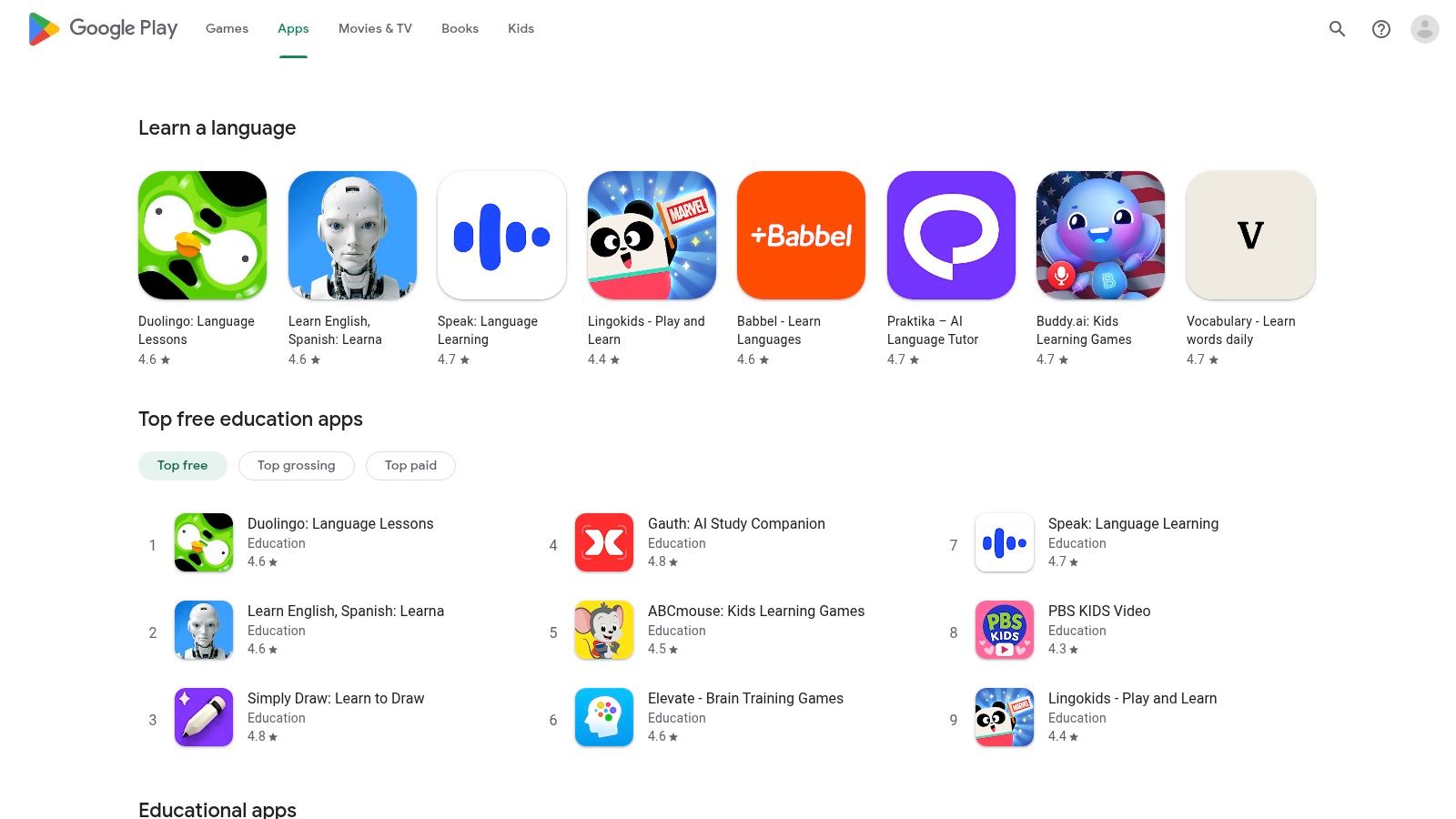
What makes the Play Store a great resource is how it just works with Android phones, tablets, and even Chromebooks. For younger students, the "Teacher-approved" label is a trusted signal for high-quality content. While the sheer number of options can be a bit much, it also means you’re almost guaranteed to find a niche app that fits your exact study style, making it one of the best free study app hubs out there.
Get Started Fast: Be specific. Search for "organic chemistry flashcards" or "MCAT practice questions" instead of just "study app." Check the "What's New" section to see if the developers are actually keeping the app updated.
Platform: Google Play Store (Education)
Best For: Android and Chromebook users looking for a wide variety of specialized study tools.
Limitation: It's Android-only, and the quality of apps can be all over the place. Some "free" apps are basically just limited demos.
3. Quizlet: The Quick-Start Study Tool
Quizlet is your go-to when you need to start studying right now. Its biggest flex is a massive library of millions of user-made flashcard sets on basically any topic, from AP Bio to college-level finance. This makes it one of the best free study apps for finding pre-made materials, saving you the time of creating everything from scratch. The interface is clean and modern, and switching between study modes like Learn, Test, and matching games is super smooth.
What sets Quizlet apart is its shareability. You can easily find and use study sets from your classmates or share your own with a study group. The free version is solid, but a lot of the best features—like unlimited "Learn" mode sessions and custom practice tests—are locked behind a Quizlet Plus subscription. Also, since the sets are user-generated, you might want to double-check the info for accuracy.
Get Started Fast: Search for your textbook's title or course code to find existing flashcard sets. Use the "Learn" mode for an AI-powered study plan, but keep an eye on the free session limits. If you’re making your own cards, check out these tips to create flashcards that help you remember everything.
Platform: Quizlet
Best For: High school and college students needing quick access to study materials for standard courses.
Limitation: The free version has ads and limits access to the best study modes, which can totally kill your flow.
4. Anki: The Final Boss of Memorization
Anki is the GOAT for anyone needing to memorize a ton of info, from med students learning anatomy to language learners grinding vocab. It’s a powerful, no-frills flashcard app that uses a spaced repetition system (SRS) to basically hack your memory. Instead of reviewing everything equally, Anki’s algorithm shows you cards right before you’re about to forget them, making your study sessions ridiculously efficient.
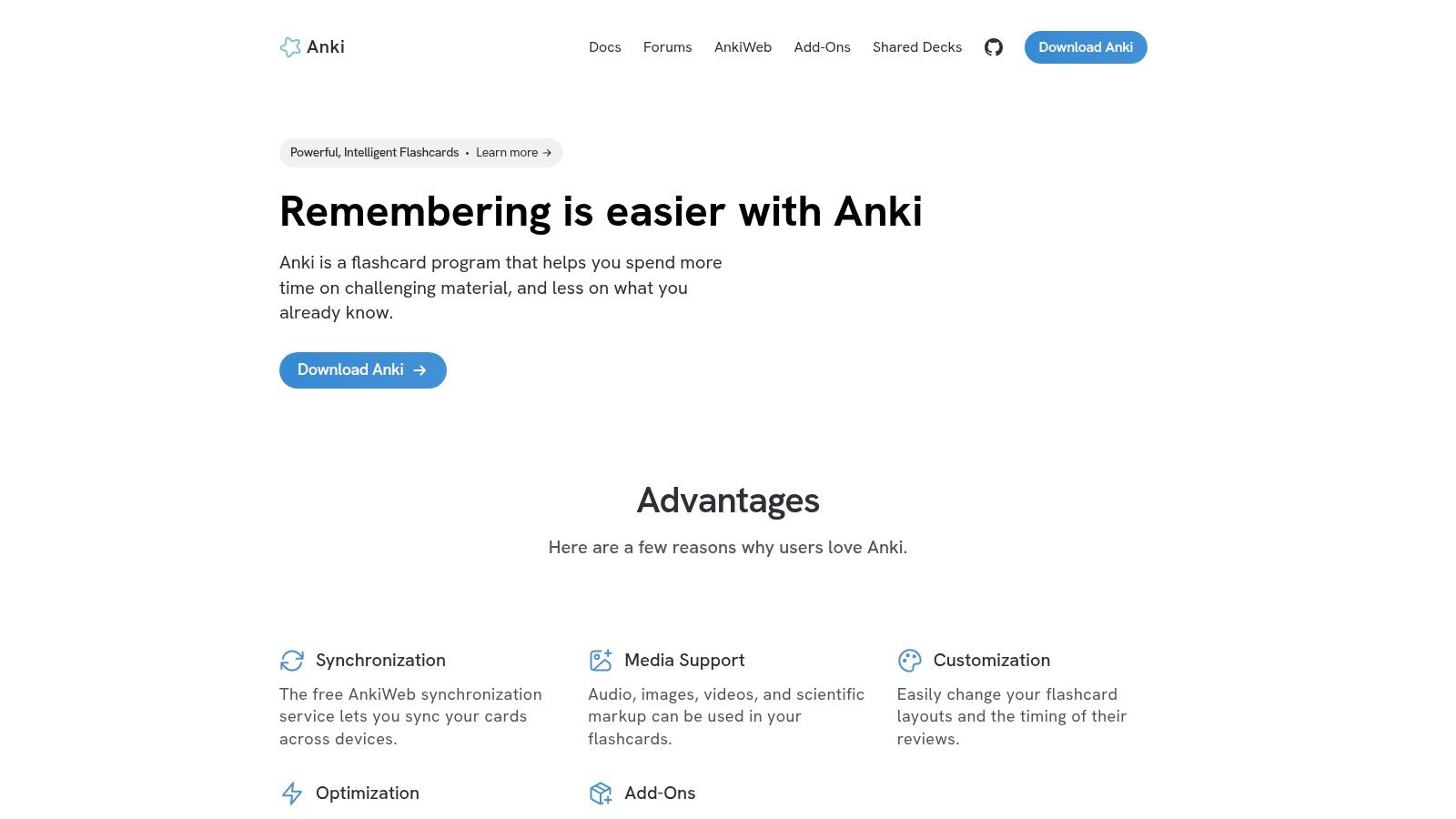
What makes Anki one of the best free study apps is how much you can customize it. You can create your own decks, download thousands of pre-made ones from a massive shared library, and tweak everything. It’s not just for text; you can add images, audio, and even complex formulas. While the desktop and Android (AnkiDroid) apps are completely free, just a heads-up: the official iOS app costs a one-time fee, but the web version is a solid free workaround for Apple users.
Get Started Fast: Download a popular "shared deck" for your subject to see what good cards look like. When you make your own, keep it simple: one concept per card. That's how you unlock the power of spaced repetition.
Platform: Anki
Best For: Med students, language learners, and anyone facing a memorization-heavy exam.
Limitation: The vibe is a bit dated, and it has a steep learning curve compared to newer apps.
5. Notion: Build Your Ultimate Study Hub
Notion is the holy grail for students who live for that "everything in one place" aesthetic. It's less of a single app and more of a flexible, all-in-one workspace where you can build your dream study system. Think of it as digital LEGOs for your school life; you can create a hub for all your course notes, track assignments, manage group projects, and even build reading lists.
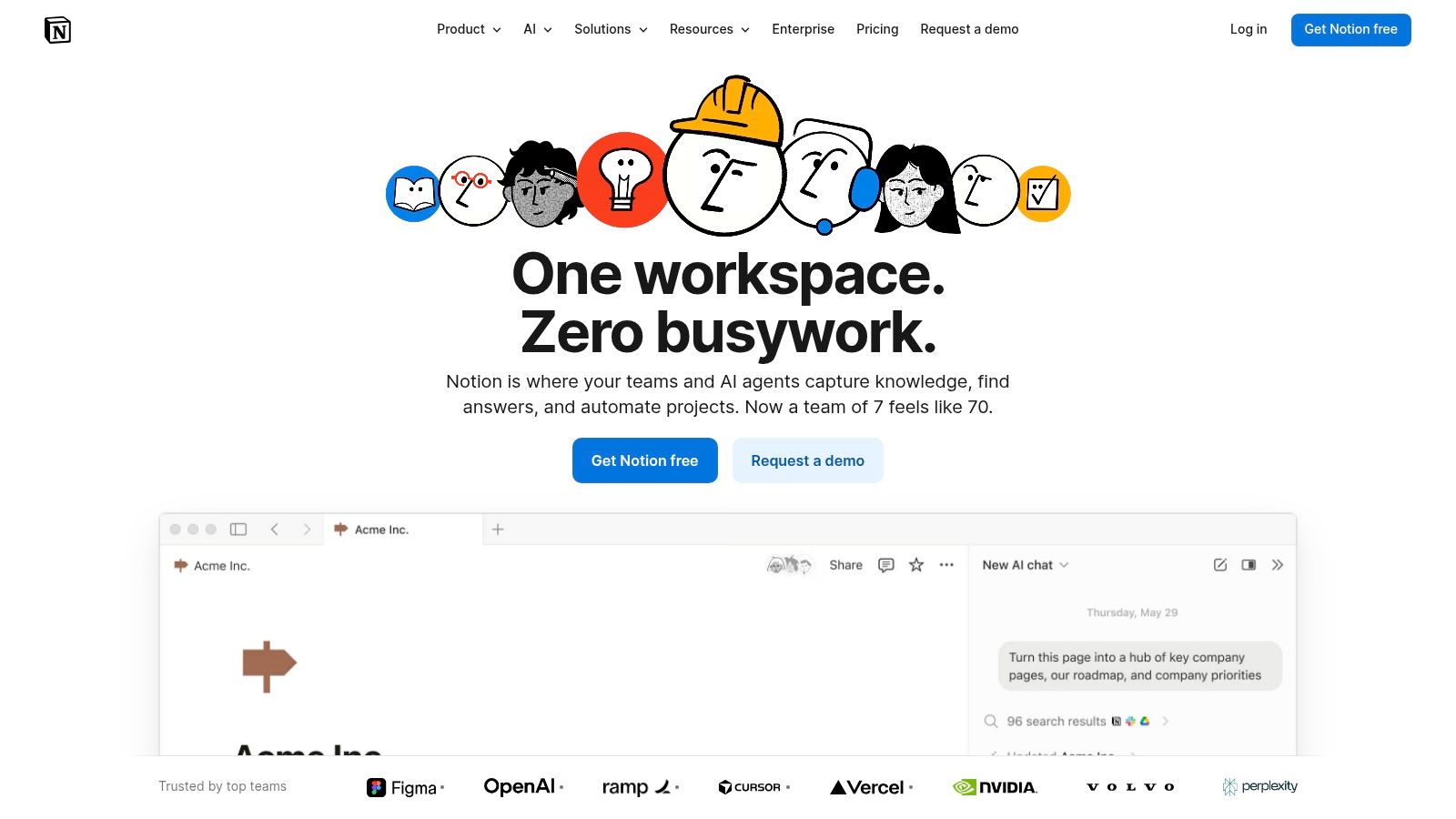
What makes Notion stand out as one of the best free study apps is its powerful database and template system. You can connect your lecture notes directly to a specific class and see everything on a master calendar. Its free plan is more than enough for most students, and if you have a school email, you can get the Plus Plan for free. While its own AI features are limited on the free plan, it's a great place to centralize your notes and learn how to take effective AI notes for smarter studying.
Get Started Fast: Don't start with a blank page. Search Notion's template gallery for a "Course Hub" or "Student Dashboard." Customizing a pre-built template is way easier than building your own from scratch.
Platform: Notion
Best For: Students who want a single, super-customizable hub to organize all their courses, notes, and deadlines.
Limitation: The advanced features have a steep learning curve, and the platform can feel overwhelming at first.
6. Khan Academy: The OG Free Tutor
Khan Academy is a legend. It's a non-profit that offers a massive library of free, expert-created lessons on almost any academic subject you can think of. From high school math to college-level science, it provides structured video tutorials, articles, and practice exercises. It’s like having a free personal tutor on call 24/7, making it one of the best free study apps for catching up or getting ahead in a tough class.
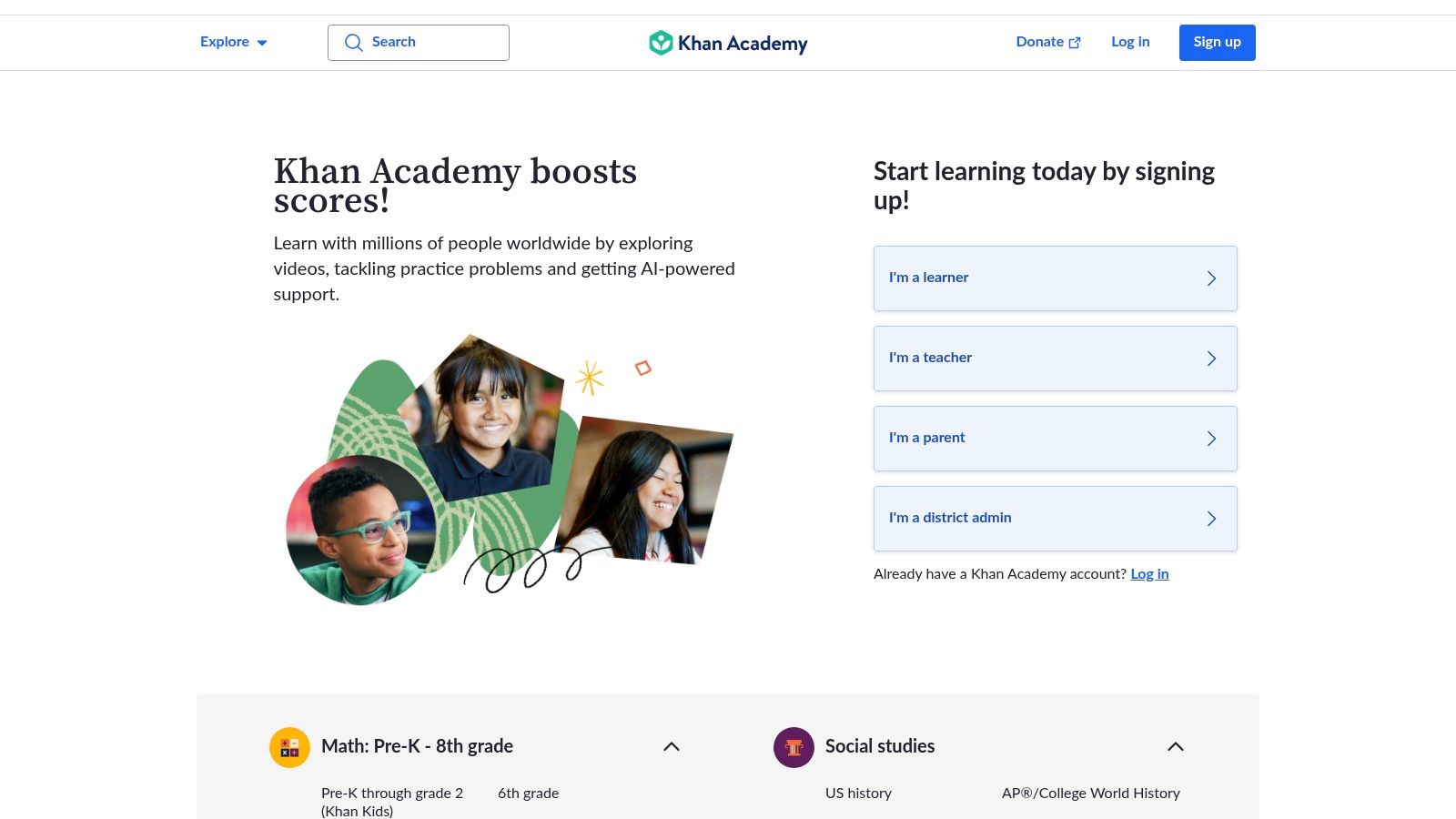
What sets Khan Academy apart is its mission to provide world-class, ad-free education for everyone. The platform tracks your progress so you can see what you've mastered and where you need more practice. They've also added an AI assistant, Khanmigo, which can act as a tutor (though some features require a paid subscription). For the core learning, however, the entire platform is completely free and clutch for reviewing concepts or prepping for big exams like the SAT.
Get Started Fast: Don't know where to begin? Just search for the specific topic you're struggling with. Watch the videos and do the practice exercises to lock in the concepts before your next exam.
Platform: Khan Academy
Best For: High school and college students needing to review foundational concepts or prep for standardized tests.
Limitation: The new AI tutoring features (Khanmigo) cost money, but the main content library is still 100% free.
7. Photomath: Your Pocket Math Genius
Photomath is an absolute lifesaver for any student who's ever been stuck on a math problem. It’s a super intuitive app that turns your phone’s camera into a problem-solving machine. Just point your camera at a math equation (handwritten or printed), and Photomath instantly scans it and gives you a step-by-step solution, showing you exactly how to get the right answer.
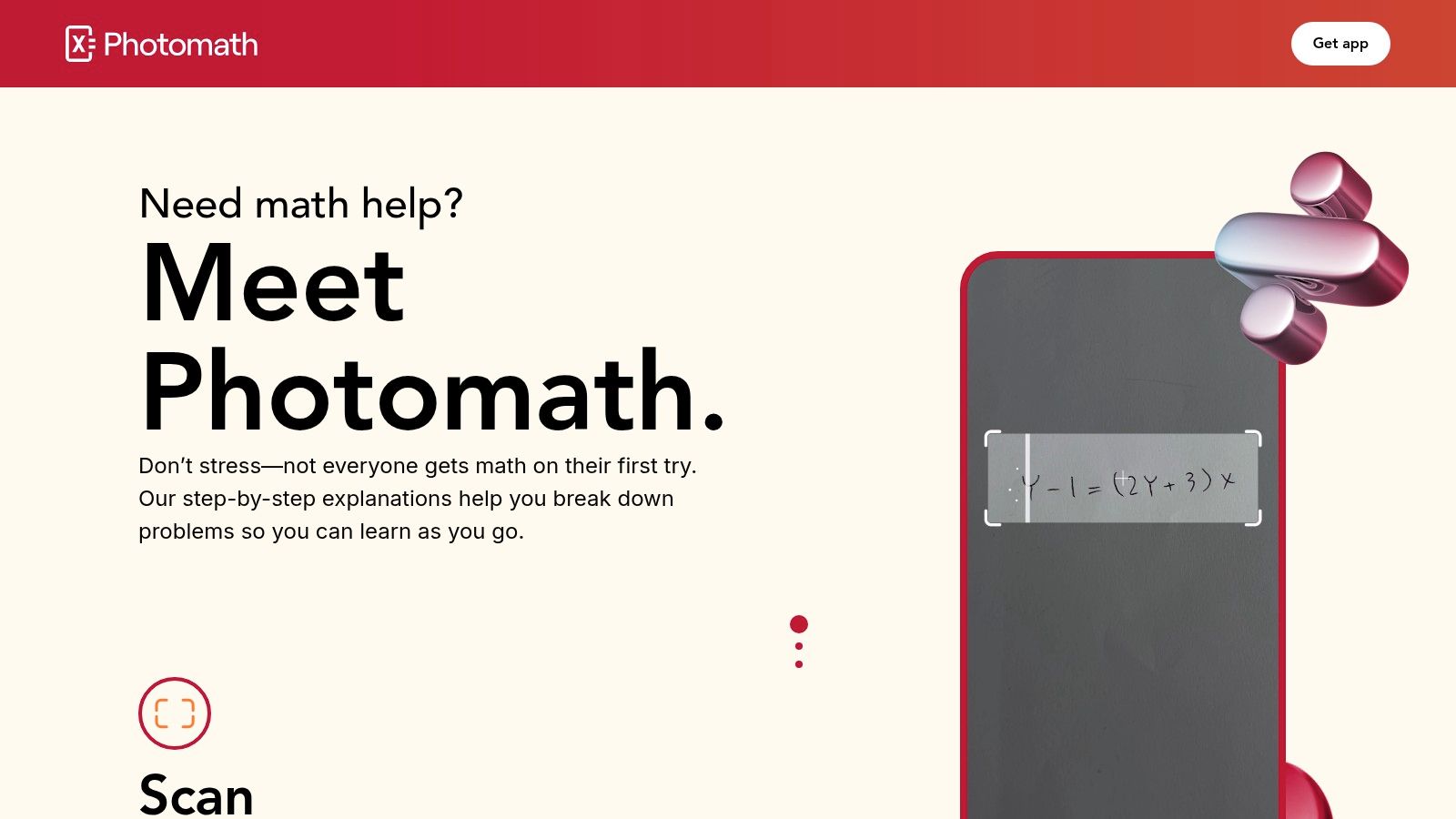
What makes Photomath one of the best free study apps is its focus on teaching you the how, not just giving you the answer. This is crucial for actually learning the material for your exam instead of just getting homework done. The core step-by-step solutions are free, but a "Photomath Plus" subscription unlocks more detailed explanations. It's a powerful tool for checking your work and figuring out exactly where you went wrong.
Get Started Fast: Use Photomath to double-check your homework. When you get a problem wrong, follow the app's step-by-step breakdown to pinpoint your mistake. This turns a simple error into a legit learning opportunity.
Platform: Photomath
Best For: Students in algebra, trig, or calculus who need to check their work and understand the steps.
Limitation: The most detailed explanations are locked behind the Photomath Plus subscription.
8. RemNote: The Note-Taking and Flashcard Hybrid
RemNote connects your notes and flashcards into one powerful, streamlined workspace. Imagine your class notes, PDFs, and flashcards all living in one place, automatically linked together. It's built on the idea that any note can become a flashcard, using a built-in spaced repetition system (SRS) to make sure you actually remember what you learn. This makes it an amazing tool for students in AP, pre-med, or any content-heavy field.
What makes RemNote one of the best free study apps is how it streamlines your entire study process. You can highlight a lecture slide or PDF and instantly turn it into a flashcard with one click. This is a huge time-saver. Features like bi-directional linking help you build a "second brain" where concepts are deeply connected. The free version is incredibly generous, while optional AI features are in the paid tiers, so it can grow with you.
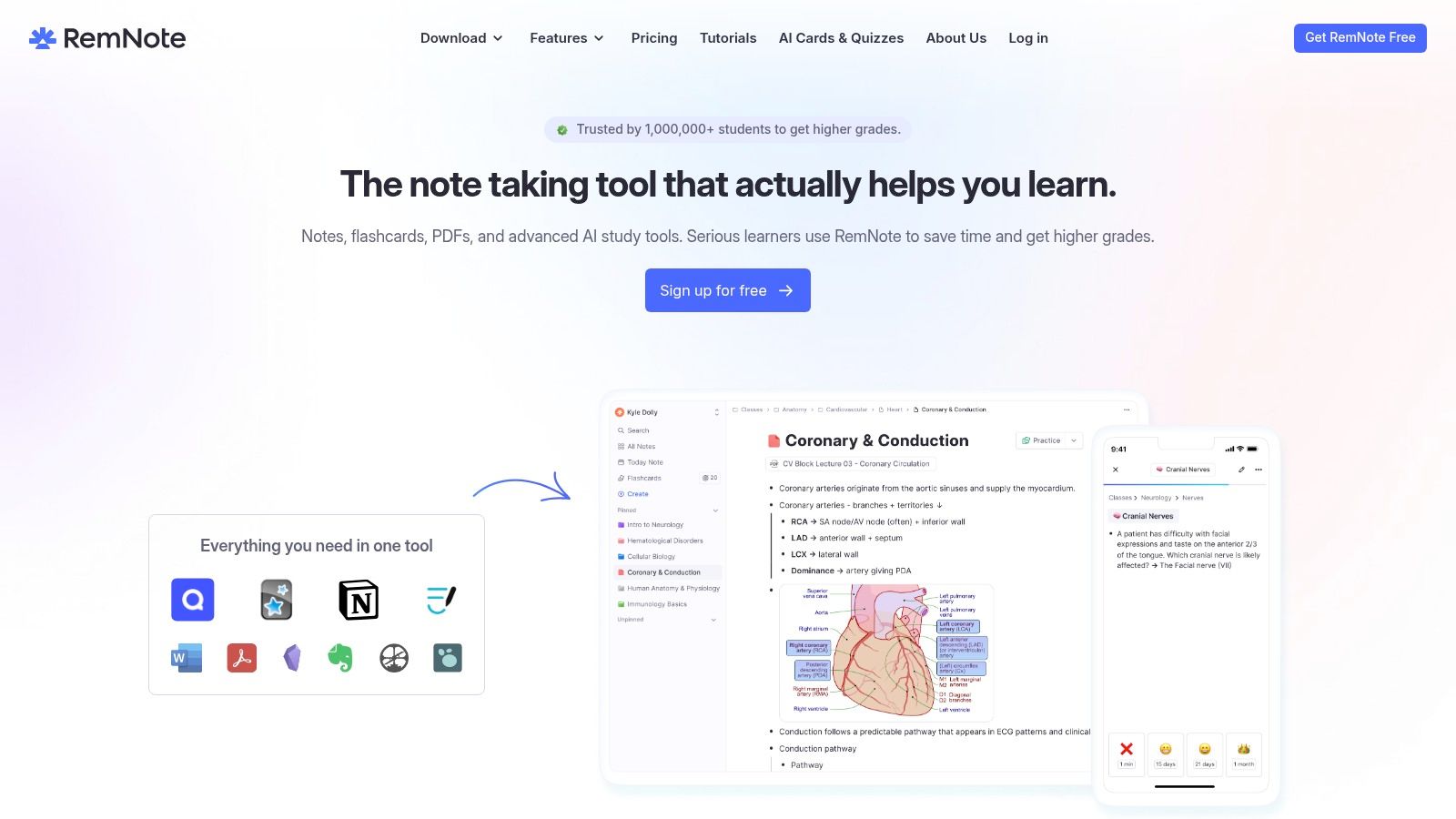
Get Started Fast: Import a PDF of your lecture slides and use the highlight-to-flashcard feature. It's the quickest way to turn passive reading into an active study session without ever leaving the app.
Platform: RemNote
Best For: Students who want an all-in-one note-taking and flashcard system, especially for AP, pre-med, and grad courses.
Limitation: Advanced features like the full PDF annotator and AI tools require a paid subscription.
9. Microsoft OneNote: Your Digital Trapper Keeper
Think of Microsoft OneNote as the ultimate digital binder that you can’t lose. It’s a beast for organizing everything from lecture notes and research to scanned textbook pages and audio recordings, all in one searchable place. Its freeform "infinite canvas" lets you type, draw, and drop in images or PDFs anywhere, perfectly mimicking how you’d take notes on paper but with digital superpowers.
What makes OneNote one of the best free study apps is its seamless sync across every device. Your notes sync via OneDrive, so you can jot down ideas on your phone and find them waiting on your laptop. Features like the Math Assistant can solve equations and graph functions, which is a huge help for STEM classes. The core app is free and super powerful, though some advanced features work best with a Microsoft 365 subscription.
Get Started Fast: Create a new notebook for each class, then use sections for different topics (e.g., "Lectures," "Readings"). Use tags like "To-Do" or "Important" to create a master list of action items across all your classes.
Platform: Microsoft OneNote
Best For: Students who prefer handwritten notes on a tablet and anyone deep in the Microsoft ecosystem.
Limitation: The sheer number of features can feel overwhelming, and some sharing tools are tied to a paid Microsoft 365 subscription.
10. Wolfram|Alpha: Your Expert Brainiac Friend
Think of Wolfram|Alpha as a super-calculator that knows way more than just math. It's a "computational knowledge engine" designed to give you expert-level answers on everything from calculus and chemistry to stats and physics. Instead of searching the web, you ask it a direct question like "integrate x^2 sin(3x)" or "what is the molar mass of caffeine?", and it computes the answer on the spot. It's an indispensable tool for checking your homework and exploring complex concepts.
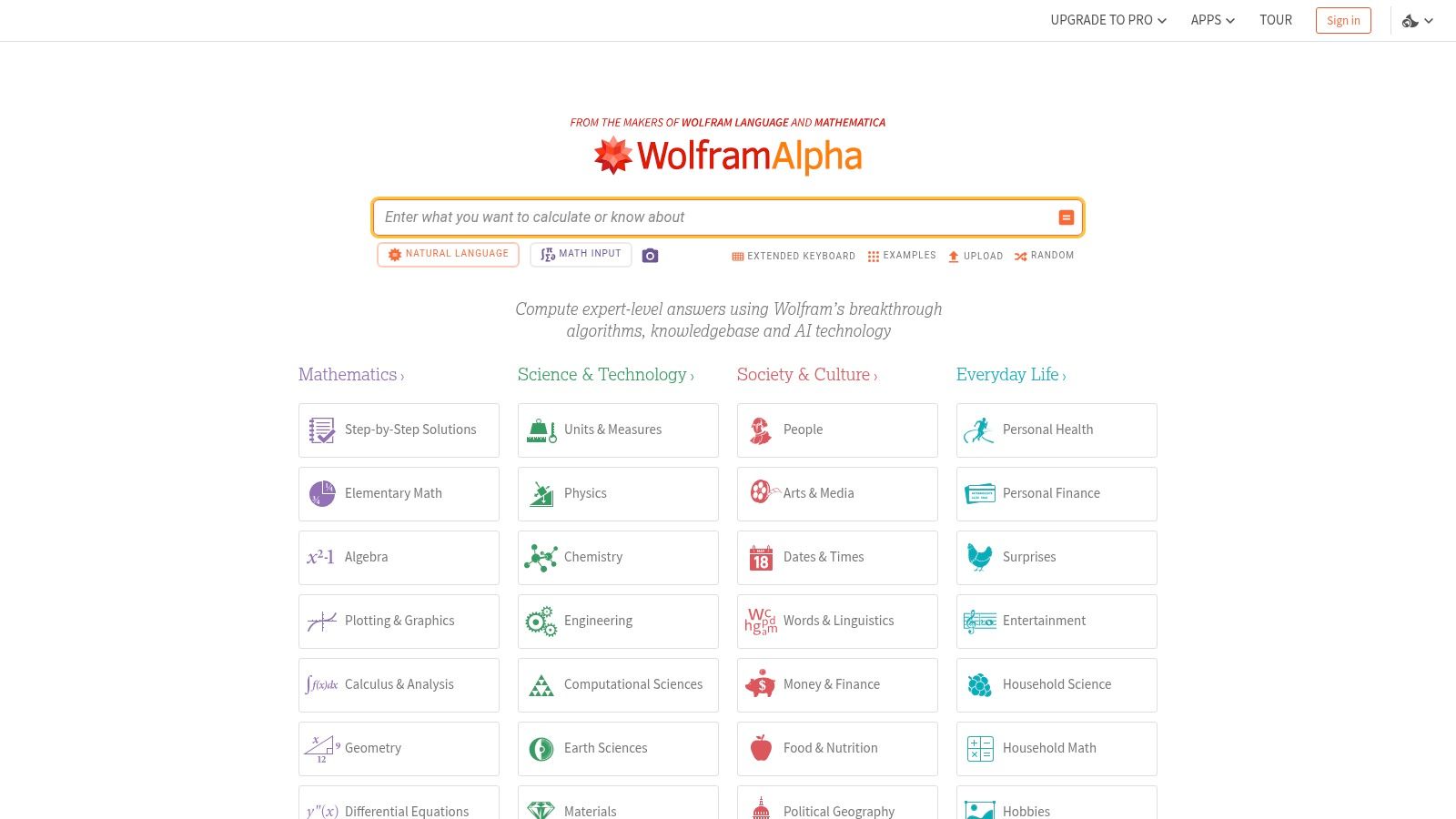
While the free version gives you direct answers, its real power for learning is unlocked in the paid Pro versions, which offer detailed step-by-step solutions. This makes it one of the best free study apps for STEM students who need to confirm their process, not just the final result. The web version is the most reliable way to access it. It’s a game-changer for tackling tough problem sets and feeling confident in your answers.
Get Started Fast: Be specific. Instead of a general topic, input the exact equation you're trying to solve. Use its suggested inputs to learn how to phrase questions for the best results.
Platform: Wolfram|Alpha
Best For: STEM students, anyone in a math or science-heavy course, and learners who need to verify complex calculations.
Limitation: The most valuable feature for learning—step-by-step solutions—is locked behind a Pro subscription.
11. Socratic by Google: Your AI-Powered Homework Helper
Ever been stuck on one homework problem that completely kills your study vibe? Socratic by Google is made for that exact moment. This app acts as your on-demand tutor, using Google’s AI to help you understand tough concepts. Just snap a picture of a question, and Socratic will pull together the best online resources—including step-by-step explanations and videos—to help you learn how to solve it, not just give you the answer.
What makes Socratic one of the best free study apps is its simplicity and focus. It’s great at providing immediate, easy-to-understand support for specific problems across math, science, history, and more. It's the perfect sidekick for when you hit a wall in your textbook and need a different perspective to get it. Since it’s completely free, it’s a no-brainer to have on your phone for quick homework help without hidden costs.
Get Started Fast: Use Socratic as your first move when you're stumped. Instead of just grabbing the answer, check out the "Explainers" and video resources it provides to actually understand the concept. This turns a simple homework helper into a real learning tool.
Platform: Socratic by Google
Best For: High school and college students needing quick, visual help with specific homework questions.
Limitation: It’s more of a sidekick for solving specific problems than a full-on platform for studying an entire course.
12. StudySmarter (Vaia): The All-in-One Study Hub
StudySmarter (or Vaia) aims to be your complete learning platform, combining flashcards, notes, and study plans into one slick app. It’s perfect for students who want a more structured, all-in-one tool without juggling multiple apps. You can make your own study materials or use millions of expert-verified and community-created summaries and flashcard sets for popular subjects.
What makes StudySmarter one of the best free study apps is how it integrates active recall with a built-in planner. The app tracks your progress, points out your weak spots, and helps you schedule review sessions to keep you on track. The free version is surprisingly robust, offering access to its huge content library and core study tools. A premium subscription removes ads and adds offline access, but the free tier is more than enough to get you started.
Get Started Fast: Instead of creating everything from scratch, search for your textbook or course to find existing study sets. Use these as a foundation and then add your own personalized flashcards and notes from your lectures.
Platform: StudySmarter (Vaia)
Best For: High school and university students looking for pre-made study sets and an integrated study planner.
Limitation: The quality of user-generated content can be inconsistent, and the free version has ads.
Top 12 Free Study Apps — Feature Comparison
Item | Core features | UX / Quality (★) | Value / Price (💰) | Target & USP (👥 ✨🏆) |
|---|---|---|---|---|
Apple App Store (Education) | Curated Education listings, app pages, School Manager | ★★★★☆ — vetted listings | 💰 Free & paid apps; Apple-managed purchases | 👥 iOS/iPad learners & institutions ✨ Curated marketplace; School Manager |
Google Play Store (Education) | Education category, teacher‑approved labels, Chromebook support | ★★★★☆ — broad selection | 💰 Free & paid apps; in‑app disclosures | 👥 Android & Chromebook users ✨ Teacher‑approved highlights |
Quizlet | Millions of flashcard sets; Learn/Test/matching; sync | ★★★★☆ — polished cross‑device | 💰 Free core; Plus for advanced features | 👥 Students wanting quick start ✨ Huge content library 🏆 Fast to start from existing sets |
Anki (official) | SM2/FSRS SRS, add‑ons, AnkiWeb sync | ★★★★☆ — powerful, technical | 💰 Free desktop/Android; iOS one‑time purchase | 👥 Med/lang/exam learners ✨ Evidence‑based SRS 🏆 Best for long‑term memorization |
Notion | Notes, databases, templates, sync | ★★★★☆ — flexible workspace | 💰 Generous free; Education Plus for students | 👥 Students organizing courses/projects ✨ Highly customizable course hubs |
Khan Academy (and Khanmigo) | Standards‑aligned lessons & practice; Khanmigo tutor | ★★★★★ — reputable & ad‑free | 💰 Core content free; some AI tools paid | 👥 K‑12 & teachers ✨ Nonprofit, standards‑aligned 🏆 Trusted free curriculum |
Photomath | Camera problem scan, step‑by‑step solutions | ★★★★☆ — fast mobile helper | 💰 Free core; Photomath Plus for deep explanations | 👥 Homework & problem‑checking students ✨ Camera‑based step solutions |
RemNote | Notes→flashcards, PDF annotation, integrated SRS | ★★★★☆ — study workflow focused | 💰 Generous free; Pro/Pro+AI paid tiers | 👥 AP / pre‑med / grad students ✨ Auto‑generate cards from PDFs |
Microsoft OneNote | Infinite canvas, handwriting, audio, Math Assistant | ★★★★☆ — great for handwriting | 💰 Free core; best with Microsoft 365 cloud | 👥 Lecture note‑takers & stylus users ✨ Strong stylus & scanned note support |
Wolfram | Alpha | Computational engine, guided calculators, Pro steps | ★★★★☆ — powerful computation | 💰 Free web; Pro for step‑by‑step & extended features |
Socratic by Google | Snap question → concept explanations; mobile AI | ★★★★☆ — quick conceptual help | 💰 Free core features | 👥 Students needing quick homework help ✨ Google‑backed AI explanations |
StudySmarter (Vaia) | Flashcards, summaries (“Originals”), planner, progress | ★★★★☆ — structured revision tools | 💰 Free core; Premium for offline & higher AI limits | 👥 Multilingual students & planners ✨ Summaries + planner integration |
Stop Juggling Apps and Start Actually Studying
So we've looked at a solid lineup of the best free study apps out there, from flashcard champs like Quizlet and Anki to organization gods like Notion. Each one is great for something, but downloading a dozen apps turns your phone into a digital junk drawer. The real goal isn't to collect more apps; it's to find a system that saves you your most valuable resource: time.
From Digital Chaos to a Real Study System
The main problem for most students isn't a lack of info, it's that the info is everywhere. You've got lecture slides in one folder, textbook notes in another, and a required PDF saved who-knows-where. Trying to organize this mess is a form of procrastination. You spend more time getting ready to study than actually studying.
This is where you need a smarter approach. Instead of manually copying info from your notes into a flashcard app, you need a tool that does the heavy lifting for you. This is where an AI-powered tool like Vivora comes in. It's designed to be your central hub, transforming all your scattered class content—slides, PDFs, notes—into a single, personalized study guide, complete with flashcards and practice quizzes. It's about working smarter, not harder.
Finding Your Perfect Study Workflow
The right study app is the one that actually solves your biggest problems. Before you download another tool, ask yourself:
What's my biggest time-waster? Making flashcards? Outlining chapters? Or just figuring out what’s important?
Where is all my stuff? Is it scattered across Google Drive, your desktop, and your email?
How do I actually learn best? Do you need practice questions, summaries, or flashcards?
Answering these helps you pick a solution strategically. The ultimate goal is to find a central hub that consolidates your materials and turns them into study assets for you. This modern, efficient approach is why AI-powered tools are a game-changer. By automating the creation of study guides directly from your class files, you can finally stop managing apps and start mastering your subjects.
Ready to trade chaos for clarity? Stop wasting time organizing and let AI handle it. With Vivora, you can upload your class files and get a personalized study guide, flashcards, and quizzes in minutes. Start your free trial today and see how much faster you can study.