The 12 Best Note-Taking Apps for Students to Actually Ace Your Classes
Feb 13, 2026
Let's be real: your digital life is a chaotic mix of lecture slides, PDFs, YouTube tutorials, and way too many open browser tabs for every class. If your current study system feels like a digital junk drawer, you're not alone. The old-school method of scribbling in a spiral notebook just doesn’t hit different when your source material is scattered all over the internet. A solid note-taking app can genuinely transform your workflow from chaos to clarity, but figuring out which one to download is a whole project in itself.
This guide is your ultimate shortcut. We’re diving deep into the best note-taking apps for students, cutting through the marketing fluff to show you what actually works for high school and college. Forget generic feature lists. We're giving you the real tea on what each app is like, who it’s for, and how it can make your study sessions less of a grind.
You’ll get an honest breakdown of each option, complete with pros, cons, and pricing. We’ll cover everything from simple, streamlined apps for quick thoughts to powerful systems for organizing years of research. We'll also show you how AI-powered tools like Vivora can take your raw notes (or even just your lecture slides) and automatically create personalized study guides, literally changing the study game. Let’s find the perfect tool to help you stop scrambling and start acing your classes.
1. Vivora
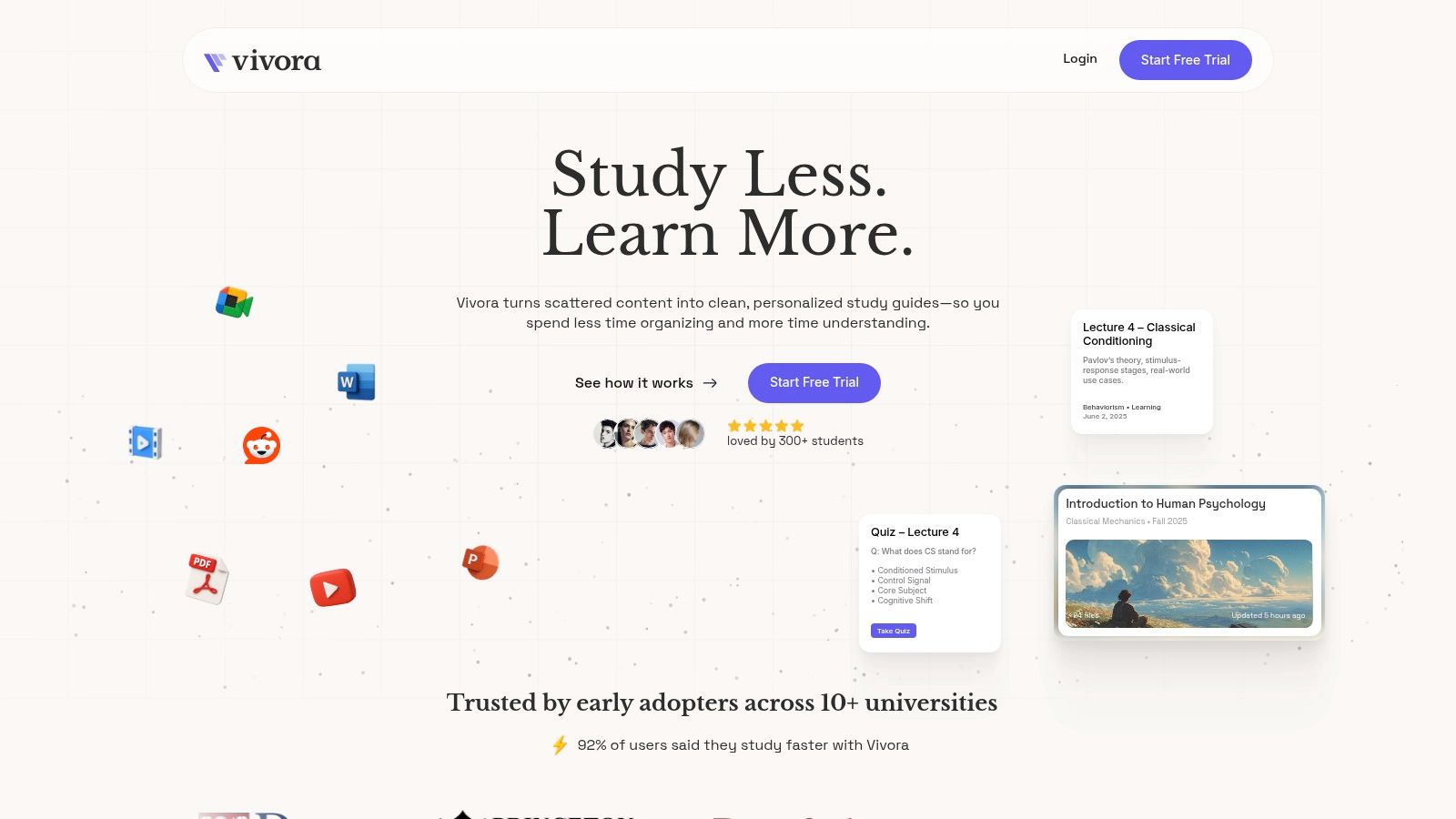
Vivora isn't just another note-taking app; it’s an AI-powered study platform designed to transform your chaotic class materials into a personalized, organized study guide. Built by students who actually get the struggle, Vivora is a game-changer for anyone tired of juggling PDFs, lecture slides, audio recordings, and random YouTube links. You just upload your content, and the platform’s AI gets to work, automatically generating clear notes, flashcards, and practice quizzes tailored specifically to your course.
This approach makes Vivora one of the best note taking apps for students who need to consolidate info from a million different places. Instead of spending hours manually typing and organizing, you can let the AI handle the grunt work, freeing you up to focus on actually learning the material.
Why It Stands Out
What truly sets Vivora apart is its context-aware AI chatbot. Unlike generic AI, this chatbot is trained on your specific course materials. This means you can ask it to explain a confusing concept from a lecture or a specific detail in a PDF, and it will provide instant, relevant answers based on the content you uploaded. It's like having a personal TA on call 24/7.
The platform is designed around real student workflows, so the interface is super intuitive. You can see results literally minutes after uploading your first files. Early users from over 10 universities report that it’s a total game-changer, with 92% saying it helped them study faster and more efficiently. For more insights on how to leverage this tech, you can explore how to use AI for smarter studying.
Core Features
Upload Anything: Drop in PDFs, lecture slides, audio files, and even links from YouTube and TikTok to create one central study hub.
AI-Generated Study Tools: Automatically creates organized notes, flashcards, and practice quizzes from your materials. No more manual work.
Context-Aware AI Chatbot: Get instant, accurate answers to questions about your course content.
Progress Tracking: Use quick quizzes to lock in what you've learned and find your weak spots before the exam.
Who Is It For?
Vivora is clutch for students in demanding academic environments, like:
College and grad students managing heavy course loads.
Online learners who need to synthesize various digital materials.
High school AP and honors students prepping for big exams.
Community college and transfer students who need an efficient way to catch up and stay organized.
Pricing: Vivora offers a 7-day free trial, no credit card needed. After the trial, you'll need to pick a plan, though specific pricing details are not listed on the website.
Website: https://vivora.ai
2. Apple App Store (iPhone/iPad curated collection)
If you're in the Apple ecosystem, the App Store is your first and best stop for finding the best note taking apps for students. Instead of randomly searching, head straight to their curated collection, "The Best Note-Taking Apps." This handpicked list saves you a ton of time by showcasing top-tier, student-approved apps that are optimized for your iPhone, iPad, and Mac. It’s like getting a trusted recommendation for the most popular and effective tools right from the source.
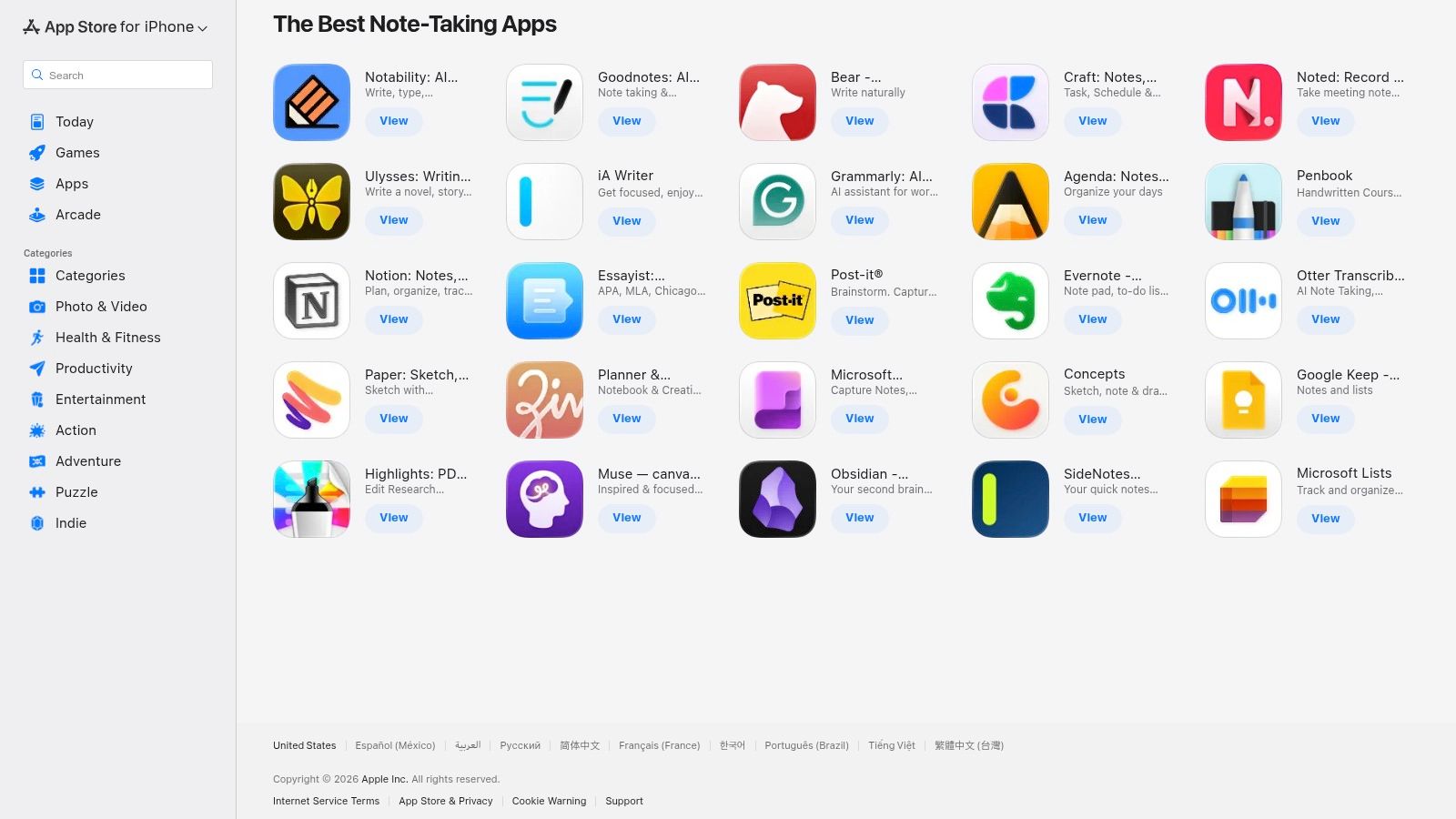
This platform isn't just a download portal; it's a secure research hub. You can confidently compare heavyweights like GoodNotes and Notability, read authentic student reviews, and check compatibility with your devices, especially your Apple Pencil.
Key Features & User Experience
The App Store simplifies the discovery process with a clean, intuitive interface. It’s a safe, centralized place for all your app installs and updates, backed by Apple’s trusted payment and security systems.
Curated Discovery: The editorial collection filters out the noise, presenting only high-quality, relevant apps for students.
Transparent Reviews: Real user ratings and detailed reviews give you honest insights into an app's strengths and weaknesses before you commit.
Safe & Secure: All transactions and downloads are handled through Apple's secure ecosystem, protecting your data and payment info.
Platform Breakdown
Pros | Cons |
|---|---|
Safe, centralized installs and updates for all your iOS devices. | Apple-only ecosystem; no support for Android or Windows users. |
Transparent ratings and editorial selections simplify choices. | Subscription prices are set by developers, making direct comparison tricky. |
Website: Apple App Store Note-Taking Collection
3. Google Play Store (Android)
For students on Android, the Google Play Store is the essential starting point for finding the best note taking apps for students. It's the official, massive marketplace where you can find Android-optimized versions of major players like OneNote, Notion, and Evernote. You can also discover rising stars and check out the recently launched GoodNotes for Android, making it a one-stop shop for outfitting your tablet or phone for class.
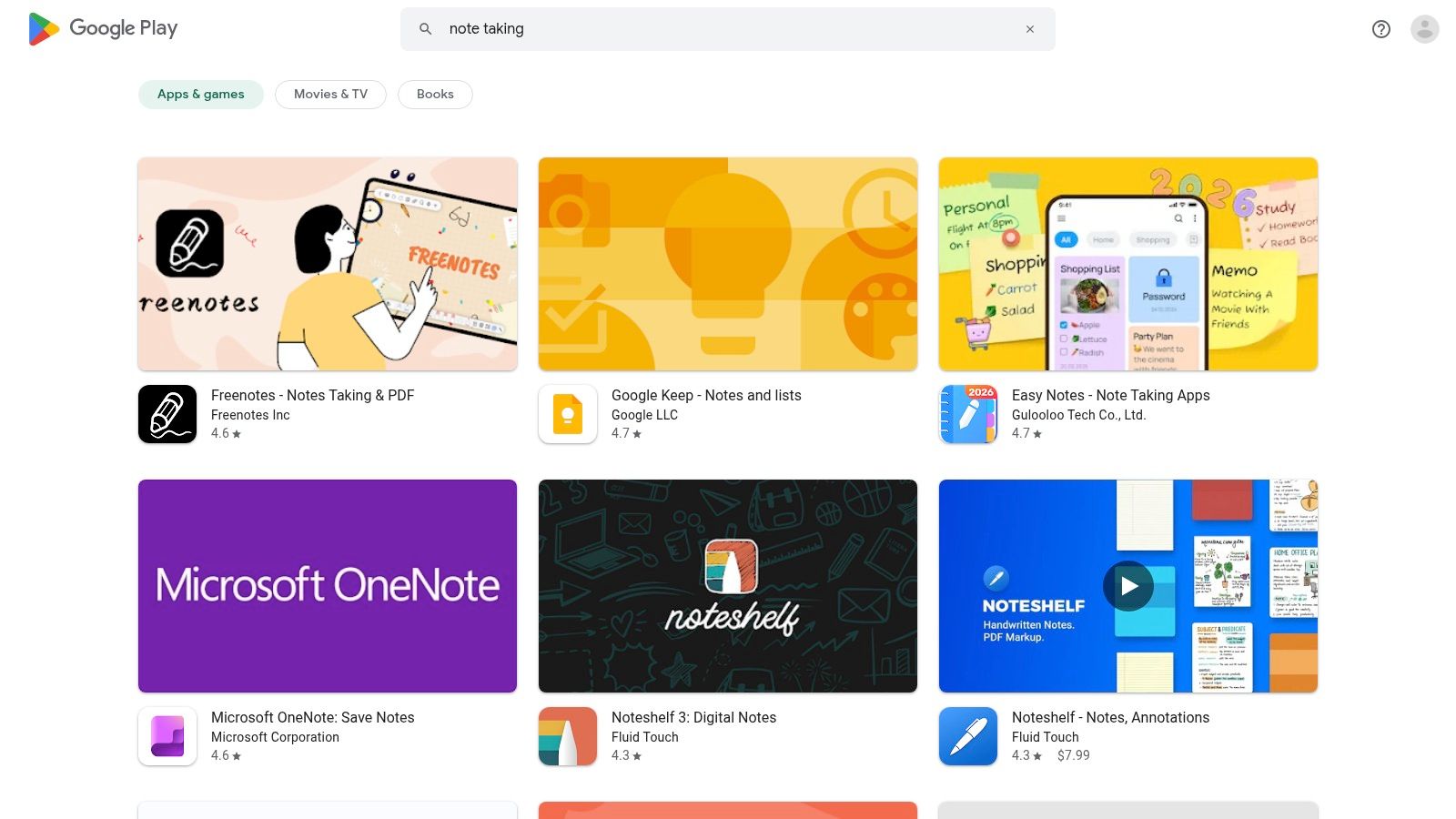
The platform is more than just a download button; it’s a powerful research tool. You can easily compare apps by reading user reviews, checking install counts to see what's popular, and viewing app permissions before you install. This transparency helps you make an informed choice and find a tool that truly fits your study workflow.
Key Features & User Experience
The Google Play Store offers a familiar, easy-to-navigate interface for discovering, installing, and managing your apps. Its powerful search and filtering options, including "Editor's Choice" picks, help you narrow down the vast selection to find high-quality note-taking solutions.
Massive Catalog: Access a huge library of apps, from industry standards to innovative new tools, all in one place.
Permission & Update Visibility: Check what data an app requests and review its update history to ensure it's well-maintained and secure.
User-Driven Ratings: Rely on millions of user ratings and reviews to get a real-world perspective on an app's performance and features.
Platform Breakdown
Pros | Cons |
|---|---|
The broadest selection of note-taking apps for Android devices. | Quality can vary widely; requires careful reading of reviews. |
Clear permission and update histories help you evaluate apps. | Some apps have feature gaps or different UIs compared to their iOS versions. |
Website: Google Play Store Note-Taking Apps
4. Notion
Notion is more than just a note-taking app; it’s an all-in-one workspace that lets you build a personalized digital HQ for your entire academic life. Think of it as a set of digital Legos for organizing everything from class notes and task lists to group project hubs and reading databases. It’s one of the best note taking apps for students who want total control over how they structure their info.
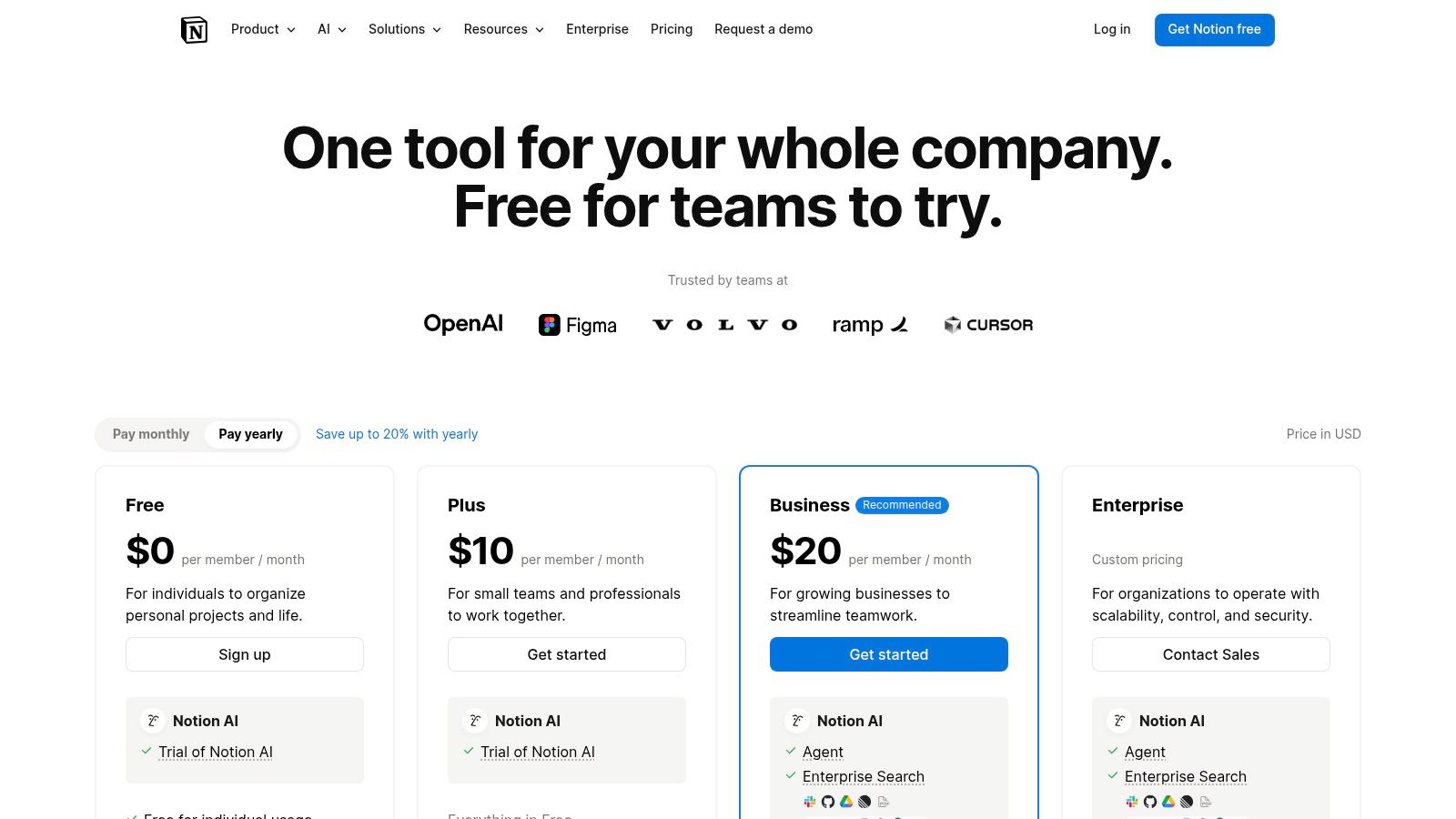
This platform’s strength is its insane flexibility. You can start with a pre-built template for your coursework or build a completely custom dashboard from scratch. Eligible college students can get the Plus plan for free, which adds features like a 30-day version history to recover any accidental deletions (a lifesaver).
Key Features & User Experience
Notion’s block-based system lets you mix text, images, tables, and databases on a single page, creating dynamic and interconnected notes. While it can feel a bit complex at first, its power lies in creating relational databases, like linking your lecture notes directly to your syllabus and reading list. To supercharge your study sessions, you can even integrate an AI study assistant to transform your organized Notion notes into active-recall quizzes.
Ultimate Flexibility: Use templates for courses, readings, and labs, or build a custom system that fits your exact workflow.
Generous Free Plan: The free plan offers unlimited pages and blocks for solo use, which is more than enough for most students.
Cross-Platform Sync: Robust web, desktop, and mobile apps ensure your notes are always accessible and synced across all your devices.
Platform Breakdown
Pros | Cons |
|---|---|
Exceptional flexibility for building course hubs and managing group work. | Can feel complex at first and has a steeper learning curve. |
Robust web, desktop, and mobile apps available on all platforms. | The best collaboration features are behind the paid Team plan. |
Website: Notion Pricing
5. Microsoft OneNote
If your campus runs on Microsoft 365, Microsoft OneNote is a no-brainer and one of the best note taking apps for students available for free. It’s a powerful digital notebook that organizes your academic life with a familiar structure of notebooks, sections, and pages. This setup is perfect for managing different courses and projects, keeping everything from lecture notes to research links neatly contained.
OneNote shines with its freeform canvas, letting you type, handwrite with a stylus, draw diagrams, and even record audio lectures all on the same page. Its deep integration with OneDrive and other Microsoft apps like Word and PowerPoint makes it an essential tool for students already in that ecosystem, streamlining your entire study workflow.
Key Features & User Experience
OneNote’s flexible and feature-rich environment supports nearly every study style. The cross-platform sync is seamless, ensuring your notes are always up-to-date whether you're on a laptop, tablet, or phone. For those with a Microsoft 365 subscription, the new Copilot AI can help summarize and organize your notes.
Multimedia Note-Taking: Combine typed text, handwritten annotations, audio recordings, and images on an infinite canvas.
Deep Microsoft Integration: Effortlessly move content between OneNote, Word, and PowerPoint, and store everything securely in OneDrive.
Real-Time Collaboration: Share notebooks with classmates for group projects, allowing everyone to edit and contribute simultaneously.
Platform Breakdown
Pros | Cons |
|---|---|
Free core app widely available across campus ecosystems. | Advanced AI features like Copilot require a Microsoft 365 subscription. |
Deep integration with Word, PowerPoint, and OneDrive. | Legacy OneNote for Windows 10 app support ends Oct 14, 2025. |
Website: Microsoft OneNote
6. Evernote
Evernote has been a powerhouse in the digital note-taking world for years, making it one of the best note taking apps for students focused on heavy research and long-term organization. It’s basically a digital filing cabinet where you can store everything from class notes and web clippings to scanned documents and lecture slides. Its strength is its powerful organizational system, using notebooks and tags to keep all your study materials meticulously sorted and easy to find.
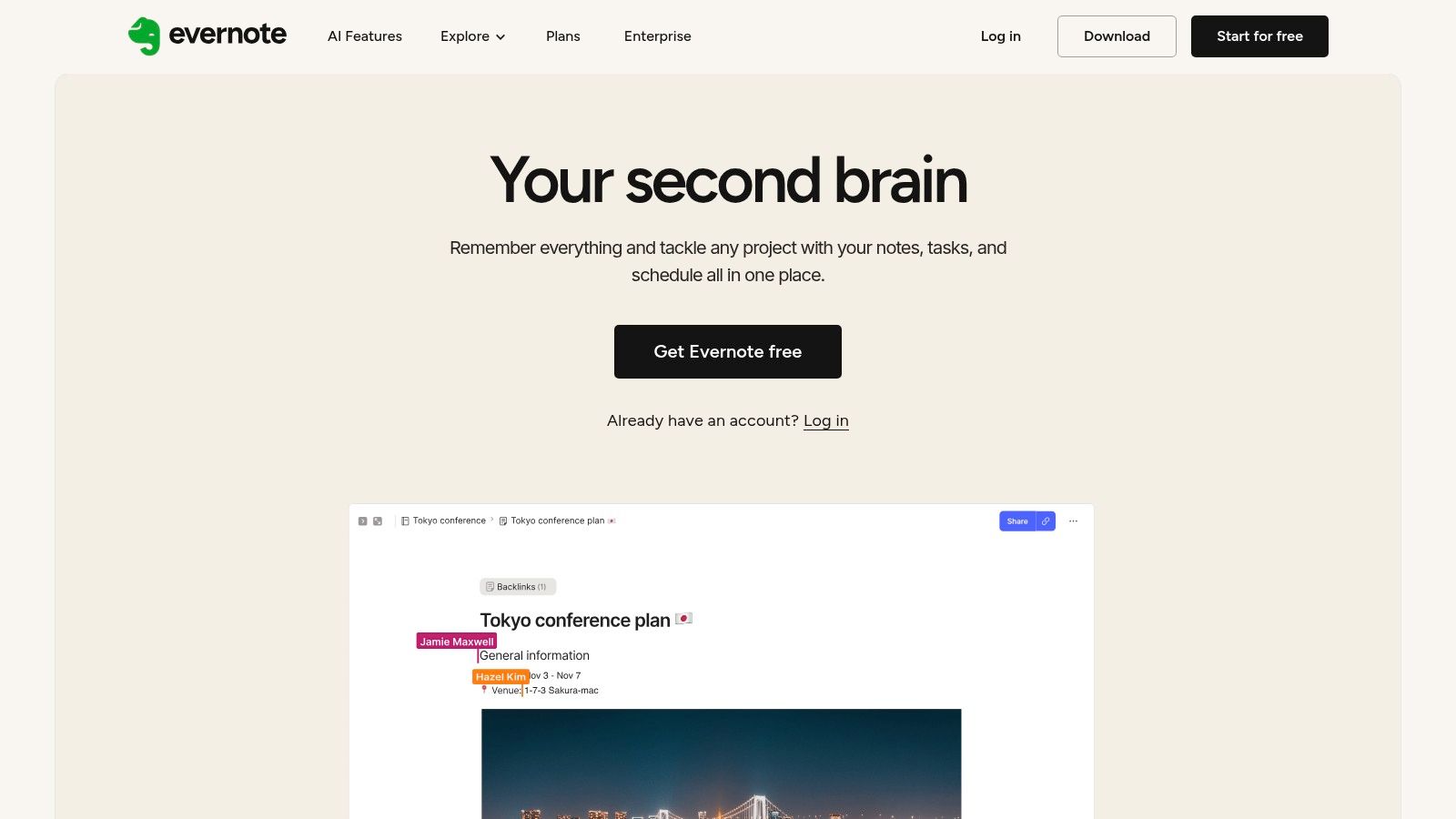
While many apps focus just on writing, Evernote excels at capturing and organizing information from anywhere. Its Web Clipper is a game-changer for research papers, letting you save articles and web pages directly into your notebooks. Plus, its robust search can even find text inside images and scanned PDFs, saving you from manually re-typing your notes from a handout.
Key Features & User Experience
Evernote’s interface is built for serious organization, syncing seamlessly across all your devices so your notes are always with you. Recent updates have focused on modernizing the user experience and adding powerful new tools like AI-powered search on its paid plans.
Web Clipper: A browser extension that lets you capture articles, PDFs, and screenshots from the web directly into your notebooks for easy reference.
Powerful Search & Organization: Use notebooks, tags, and filters to organize your content. The app can search for text within PDFs, documents, and even handwritten notes.
Document Scanning: Use your phone’s camera to digitize physical documents, whiteboards, and class handouts, making them searchable.
Platform Breakdown
Pros | Cons |
|---|---|
Strong organizational tools for managing complex study materials. | The free tier is quite limited compared to paid plans. |
Mature ecosystem with powerful search and web-clipping features. | Pricing has increased, and key features like AI search are gated. |
Website: https://evernote.com/
7. GoodNotes
GoodNotes has long been the GOAT for students who prefer to handwrite their notes on a tablet. It's famous for transforming an iPad and Apple Pencil into a powerful digital notebook, perfect for everything from scribbling lecture notes to marking up dense PDF textbooks. Its recent expansion to Windows, Android, and the web makes it one of the most versatile and best note taking apps for students across any device.
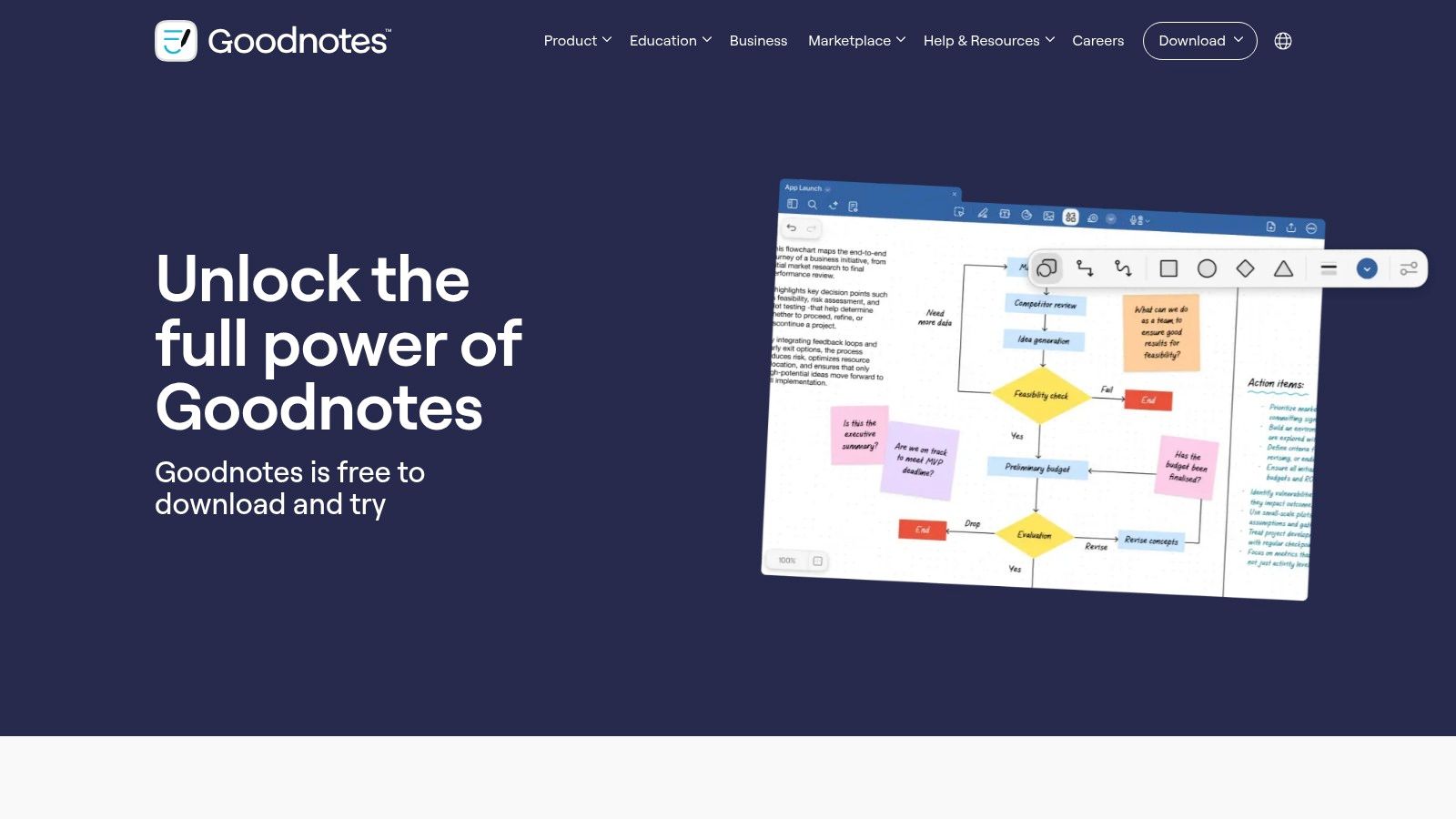
The platform shines with its best-in-class writing experience, making digital ink feel incredibly natural and responsive. You can search your own handwriting, organize notes into nested folders, and collaborate with classmates in real time. For exam prep, its integrated AI features can even help generate quizzes from your notes, making study sessions more effective. This is especially useful when paired with other study methods; you can learn how to create flashcards to remember everything for a complete study system.
Key Features & User Experience
GoodNotes offers a clean, paper-like interface that prioritizes the writing experience. Its powerful pen tools and seamless PDF annotation make it an indispensable tool for students who deal with a lot of documents and diagrams.
Handwriting Search: Can’t find a formula you jotted down? GoodNotes can search your handwritten text, saving you from endlessly flipping through pages.
PDF Annotation: Directly mark up lecture slides, articles, and textbook PDFs with highlights, notes, and drawings.
AI Study Tools: The optional GoodNotes AI can check your math homework, help you with tricky concepts, and create practice tests from your notes.
Platform Breakdown
Pros | Cons |
|---|---|
Best-in-class writing feel on iPad with Apple Pencil. | Some AI and new features roll out on Apple devices first. |
Purpose-built workflows for class PDFs and exam prep. | Feature set can differ slightly by platform during the rollout phase. |
Website: GoodNotes Pricing
8. Notability
Notability has long been a heavyweight champion for students, especially those who rely on an iPad and Apple Pencil for their classes. Its standout feature is audio-synced notetaking, which lets you record lectures while you write. When you replay the audio, your notes highlight in real-time, showing you exactly what you were writing at that moment. This makes it one of the best note taking apps for students who need to revisit complex lecture details or fill in gaps in their notes.
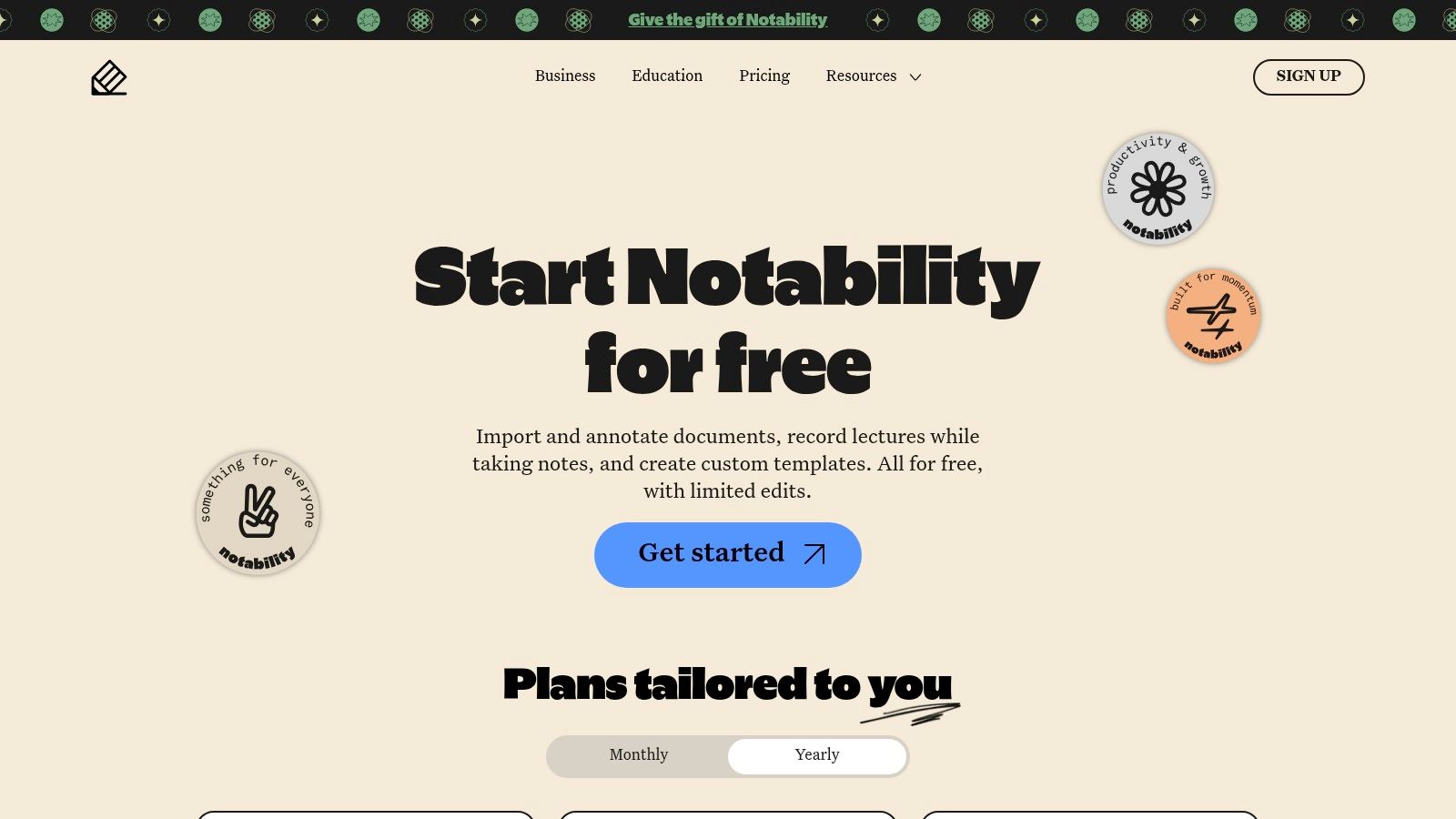
The app combines handwriting, typing, and PDF annotation into one clean, easy-to-learn interface. With its newer Plus and Pro subscription tiers, Notability is leaning into AI, offering powerful tools like note summaries, live transcription, and the ability to create flashcards and quizzes directly from your notes. It’s an ideal tool for turning messy lecture notes into polished, reviewable study materials.
Key Features & User Experience
Notability's interface is celebrated for its simplicity, making it perfect for high school and college students who want to focus on capturing information without a steep learning curve. The combination of audio recording with digital ink is a game-changer for auditory and visual learners.
Audio-Synced Notes: Record lectures and sync the audio directly to your handwritten or typed notes for powerful review sessions.
PDF Annotation: Easily import lecture slides, readings, and assignments to mark them up directly in the app.
AI Study Tools: Paid tiers unlock AI summaries, transcription, and study set creation to supercharge your exam prep.
Platform Breakdown
Pros | Cons |
|---|---|
Excellent for lecture capture and interactive study review. | Apple-centric; web app and stylus support on other devices is limited. |
Clean, easy-to-learn interface suitable for all student levels. | Advanced AI features and unlimited edits require a paid subscription. |
Website: Notability
9. Obsidian
Obsidian is less of a note-taking app and more of a "second brain." It’s a powerful, local-first tool designed for students who need to connect ideas, build a long-term knowledge base, and see the relationships between different topics. Instead of simple linear notes, you create a web of linked information, making it one of the best note taking apps for students in research-heavy fields like history, literature, or law. It works with plain Markdown files on your own device, giving you total control over your data.
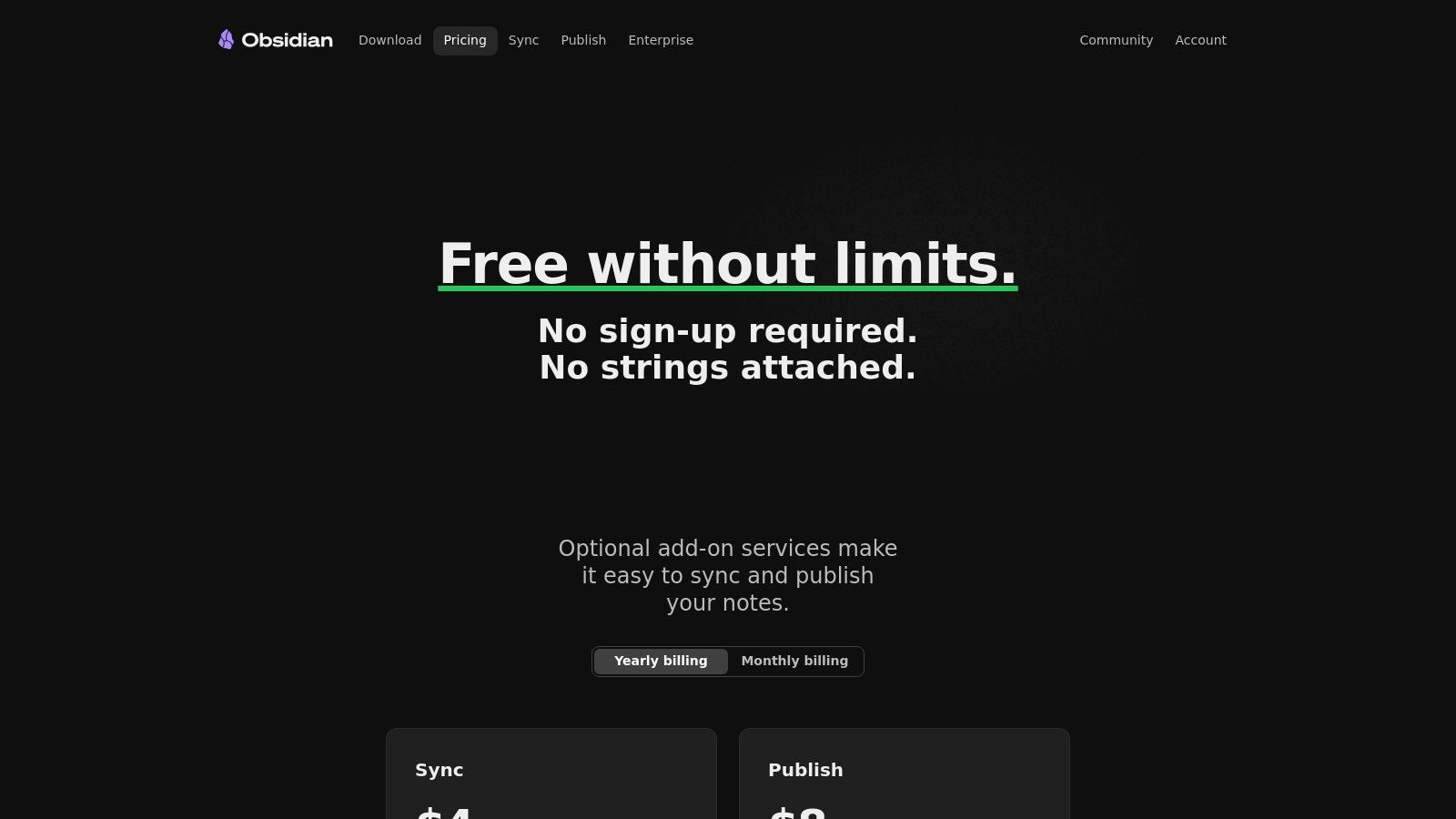
The core app is free, with generous discounts for students on paid add-ons like Sync and Publish. Its standout feature is the graph view, which visually maps how your notes are connected, helping you uncover insights you might have missed. While it has a steeper learning curve, mastering it is a game-changer for serious academic work and thesis writing.
Key Features & User Experience
Obsidian’s power comes from its flexibility and focus on local data ownership. The interface is clean but highly customizable with themes and a massive library of community-built plugins for everything from flashcards to calendars.
Powerful Linking & Backlinks: Easily create links between notes to build a personal wiki. Backlinks automatically show you every note that references the one you're viewing.
Graph View: Visualize your knowledge network to see how concepts and research topics interconnect, which is amazing for exam prep.
Local-First & Offline: Your notes are stored as plain text files on your device. You own your data, and it's always accessible, even without an internet connection.
Extensible with Plugins: Customize your workflow with hundreds of free community plugins for Kanban boards, citation managers, and more.
Platform Breakdown
Pros | Cons |
|---|---|
Works offline and keeps data securely on your device. | Steeper learning curve compared with traditional notebook apps. |
Exceptional for research-heavy majors and long-term knowledge building. | Collaboration typically requires paid add-ons or third-party tools. |
The core app is free, with generous educational discounts for add-ons. | Sync and publishing features require a paid subscription. |
Website: Obsidian Pricing
10. MyScript Notes (formerly Nebo)
If your class schedule is packed with STEM courses, MyScript Notes (formerly Nebo) is one of the best note taking apps for students you can find. It’s built on industry-leading handwriting recognition that not only converts your scribbles to text with incredible accuracy but also understands complex math equations and diagrams. This makes it a powerhouse for subjects like calculus, physics, and chemistry, where typing simply isn't an option.
The app’s "Interactive Ink" technology lets you edit handwritten notes using simple gestures, solve calculations on the fly, and create diagrams that can be easily manipulated. It’s perfect for capturing every detail from a whiteboard lecture and turning messy, hand-drawn graphs into clean, digital assets for your study guides.
Key Features & User Experience
MyScript Notes shines with its intuitive and powerful digital ink experience. The interface is clean, allowing you to focus on capturing information without getting lost in menus. Its standout features are designed for technical coursework where precision is key.
Best-in-Class Handwriting Recognition: Accurately converts even messy handwriting to text and recognizes scientific notation.
Interactive Diagrams & Equations: Draw shapes and equations, and the app makes them perfect and editable. You can even solve calculations by hand.
Cross-Device Sync: Keep your notes synchronized across all your devices, so your lecture notes are ready for review on your laptop or phone.
Platform Breakdown
Pros | Cons |
|---|---|
Unmatched STEM capabilities for equations, graphs, and diagrams. | Feature availability and rollout can differ by platform (e.g., iOS first). |
Continues to honor Nebo lifetime purchases for existing users. | Pricing options vary by store and region, with details found in-app. |
Website: MyScript Notes
11. Zoho Notebook
Zoho Notebook is a fantastic cross-platform option for students who want a clean, organized, and privacy-focused note-taking experience without a hefty price tag. Its unique card-based system lets you create different types of notes—like text, audio recordings of lectures, checklists for assignments, and file attachments—keeping all your class materials in one tidy space. It's one of the best note taking apps for students looking for a free, powerful alternative to Evernote.
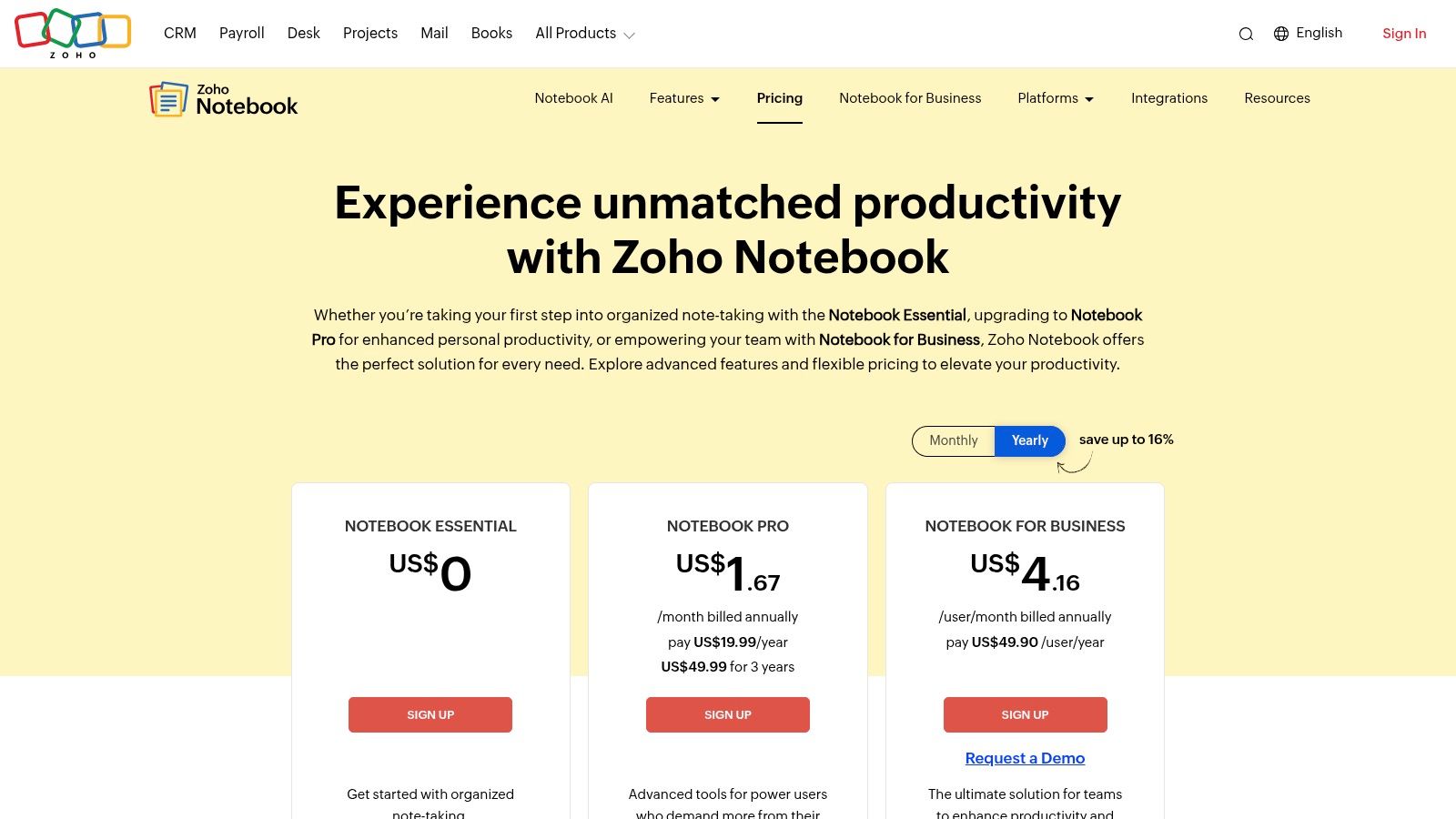
What really makes Zoho Notebook stand out is its commitment to user privacy and a generous free plan that syncs across all your devices (iOS, Android, and web). You can easily scan documents, clip web pages for research, and even import your old notes from Evernote or Google Keep, making the switch super smooth.
Key Features & User Experience
Zoho’s interface is colorful, intuitive, and built around its "Note Card" concept. You can color-code your notebooks for different classes, secure your notes with Face/Touch ID, and easily search through all your content.
Versatile Note Cards: Create dedicated cards for text, audio, images, checklists, and sketches, which helps you organize diverse study materials.
Seamless Sync & Scanning: Your notes sync instantly across all devices, and the built-in document scanner is perfect for digitizing handouts and textbook pages.
Privacy-Focused: Zoho has a strong stance on privacy, so your data isn’t used for advertising, which is a huge plus for students.
Web Clipper: Save articles and research directly from your browser to your notebooks, streamlining your project workflow.
Platform Breakdown
Pros | Cons |
|---|---|
Robust free plan and student-friendly pricing approach. | Lighter on advanced features like backlinking compared to Obsidian. |
Works well across iOS, Android, and web without vendor lock-in. | Collaboration features are reserved for the paid Business tier. |
Website: Zoho Notebook
12. Bear
For students who value a clean, minimalist writing space, Bear offers an elegant solution. It’s a Markdown-based app perfect for drafting essays, organizing literature notes, or capturing quick thoughts after class. Its focus on a distraction-free environment makes it one of the best note taking apps for students who get overwhelmed by cluttered interfaces. Think of it as your digital sanctuary for focused writing and study.
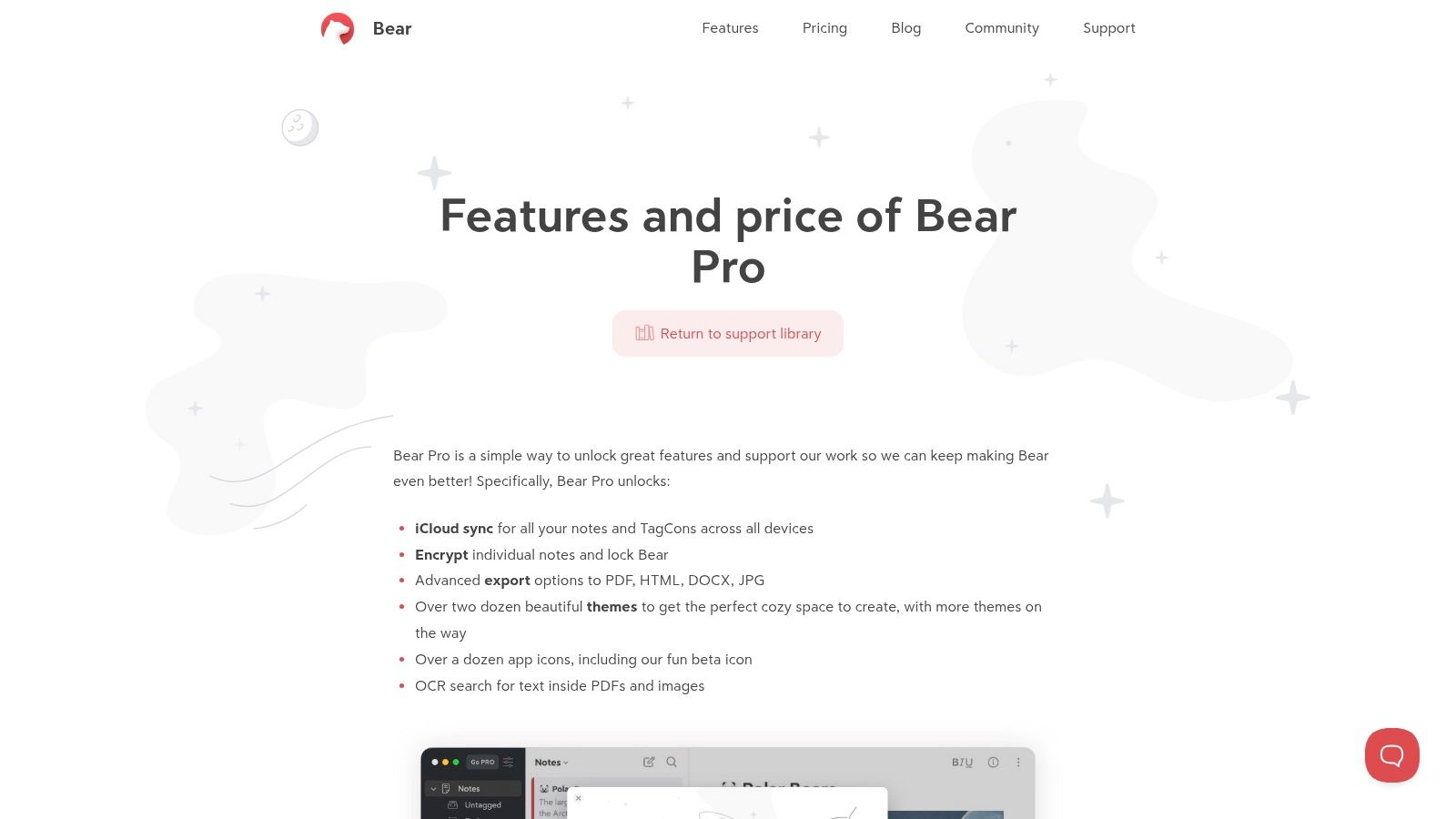
Bear syncs flawlessly across Apple devices via iCloud, keeping your notes accessible whether you’re on your iPhone, iPad, or Mac. The app’s strength lies in its simplicity and speed, making it ideal for students who need to capture ideas quickly without getting bogged down by complex formatting tools. Its powerful tagging system allows you to create a flexible organizational structure that adapts to your courses and projects.
Key Features & User Experience
Bear provides a beautiful writing experience with customizable themes to match your vibe. Its Markdown editor is intuitive, and the Pro version unlocks powerful features like OCR for searching text within images and PDFs, which is clutch for digitizing handouts.
Elegant Markdown Editor: Focus on your content with a clean interface and export your work to PDF, DOCX, or JPG when you're ready to submit.
Flexible Tagging System: Organize notes by course, topic, or project using nested tags (#PoliSci/Midterm/Readings) for easy retrieval.
iCloud Sync: Keep all your notes, from lecture summaries to essay drafts, seamlessly updated across your Apple ecosystem.
Platform Breakdown
Pros | Cons |
|---|---|
Beautiful, distraction-free writing environment. | Apple-only ecosystem; no support for Android or Windows users. |
Lightweight and fast for daily class notes and drafts. | Collaboration features are limited compared to rivals like Notion. |
Website: Bear App Features & Pro Pricing
Top 12 Note-Taking Apps for Students — Feature Comparison
Product | Core features | UX / Quality | 💰 Price & Value | 👥 Target audience | ✨ Unique selling points |
|---|---|---|---|---|---|
Vivora 🏆 | Auto notes, flashcards, quizzes from PDFs/audio/video | ★★★★★ | 💰 7‑day free trial; student‑first pricing (post‑trial TBD) | 👥 Community college → grad, online & test‑prep students | ✨ Auto‑ingest multi‑media + context‑aware AI chatbot |
Apple App Store (Curated) | Curated app collection, reviews, device filters | ★★★★☆ | 💰 Free to browse; app prices set by developers | 👥 iPhone/iPad users seeking vetted apps | ✨ Editorial “Best note‑taking” picks & trusted payments |
Google Play Store | Wide catalog, ratings, install/permission info | ★★★★ | 💰 Free to browse; app prices & in‑app subs vary | 👥 Android users wanting broad choice | ✨ Extensive catalog + search/filters |
Notion | Pages/blocks, templates, sharing & databases | ★★★★★ | 💰 Free tier; student Plus offers; paid teams | 👥 Students & groups needing course hubs | ✨ Flexible course templates & collaboration |
Microsoft OneNote | Notebook structure, ink, audio recording, MS365 integration | ★★★★☆ | 💰 Free core; MS365 for premium AI features | 👥 Campus ecosystems, Office users | ✨ Deep Office integration; ink + audio features |
Evernote | Web clipper, scanning, rich search, tags | ★★★★ | 💰 Free limited tier; paid plans for AI/collab | 👥 Research & organization‑focused students | ✨ Powerful search & clipping for research capture |
GoodNotes | Handwriting, PDF markup, handwriting search | ★★★★★ | 💰 Paid app; optional GoodNotes AI add‑on | 👥 iPad/Apple Pencil users, PDF‑heavy classes | ✨ Best‑in‑class writing feel & PDF workflows |
Notability | Handwritten/text notes, audio sync, AI add‑ons | ★★★★☆ | 💰 Subscription tiers with AI features | 👥 Lecture capture & review students | ✨ Audio‑synced notes + AI summaries/quizzes |
Obsidian | Markdown, backlinks, graph view, plugins | ★★★★★ | 💰 Core free; paid Sync/Publish add‑ons | 👥 Research‑heavy majors & knowledge builders | ✨ Local‑first graph/backlink knowledge mapping |
MyScript Notes | Handwriting→text, math/diagram support | ★★★★ | 💰 Trial; subscription or lifetime options | 👥 STEM students needing equation support | ✨ Excellent handwriting recognition & math tools |
Zoho Notebook | Card‑based notes, scanner, cross‑device sync | ★★★★ | 💰 Generous free plan; affordable paid tiers | 👥 Students seeking privacy‑forward free tools | ✨ Card UI + strong free offering and import tools |
Bear | Markdown notes, tagging, exports, iCloud sync | ★★★★ | 💰 Free with Bear Pro subscription | 👥 Apple users focused on writing & essays | ✨ Elegant, distraction‑free Markdown workflow |
The Ultimate Hack: Stop Taking Notes and Start Studying
Okay, we've looked at a dozen of the best note taking apps for students, from the minimalist vibe of Bear to the powerhouse database of Notion. Each tool offers a unique way to capture, organize, and review your class materials. But after scrolling through all the features, pros, and cons, the real takeaway isn't about which app has the slickest interface. It's about a fundamental shift in how you approach studying.
The actual goal isn't to become a master note-taker; it's to become an efficient learner who aces exams with less stress. The traditional process of frantically typing during a lecture, then spending hours later trying to organize and summarize those notes, is a massive time sink. It’s a relic of a pre-internet era, and frankly, you don’t have time for that. The future of effective studying isn’t about finding a better digital trapper keeper; it's about automating the manual labor of note creation so you can jump straight to the high-impact work of learning.
From Information Collector to Concept Master
Let's be real: simply having organized notes doesn't guarantee you'll understand the material. True learning happens when you engage with the concepts, test your knowledge, and identify your weak spots. This is where most traditional note-taking apps fall short. They are passive tools that require you to do all the heavy lifting: the summarizing, the question-writing, and the flashcard-making. This is precisely the "busywork" that eats up your evenings and weekends.
The ultimate study hack is to find a system that minimizes capturing and maximizes learning. Instead of asking, "Which app is best for writing notes?", the better question is, "Which tool helps me study most effectively?" Your choice should directly support your primary academic goal, whether that's acing your MCATs, passing O-chem, or writing a research paper.
How to Choose Your Perfect Study System
So, how do you make the final call? Don't get stuck in analysis paralysis. Use this simple framework to choose the right path for your specific needs as a student.
For the Visual & Creative Learner: If you’re a STEM student who needs to draw diagrams or an art major who sketches concepts, a stylus-friendly app like GoodNotes or Notability is a no-brainer. Their strength is giving you an infinite digital canvas to replicate the pen-and-paper experience.
For the Ultimate Organizer & Life Planner: If your brain thrives on structure, databases, and interconnected knowledge, Notion or Obsidian will be your command center. These are ideal for research-heavy majors or anyone who wants to build a "second brain" that connects class notes with personal projects and life goals.
For the No-Frills Minimalist: If you just want a clean, fast place to type and go, without all the bells and whistles, Bear or even the native Apple Notes offer a beautifully simple experience. They get out of your way so you can focus on getting the words down.
For the Efficiency-Obsessed Student: If your main goal is to reduce study time and improve your grades, then the entire concept of manual note-taking is outdated. This is where a tool like Vivora comes in. It bypasses the note-taking step altogether, using AI to transform your lecture slides, PDFs, and recordings directly into a comprehensive study guide, complete with flashcards and practice quizzes. It’s built for students who value their time and want to focus on active recall, not passive transcription.
The key is to be honest about your workflow. Don't pick an app because it's popular; pick the one that removes the most friction from your path to understanding the material. The best note taking apps for students are ultimately the ones you actually use consistently and that give you back the most valuable resource of all: more time to actually study and live your life.
Ready to skip the busywork and jump straight to A-grade studying? While traditional apps help you take notes, Vivora uses AI to create your study materials for you, turning any class file into a personalized set of notes, flashcards, and quizzes in seconds. Try the game-changing study tool that gives you back your time at Vivora and see how much faster you can master your next exam.